
Preview








Description
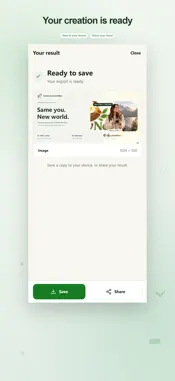
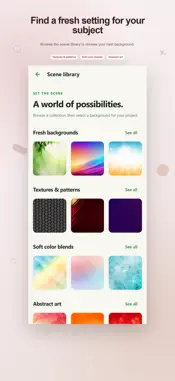
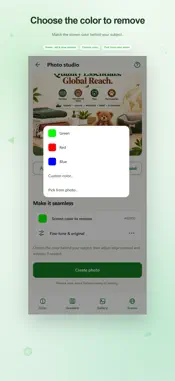
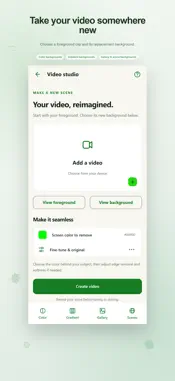
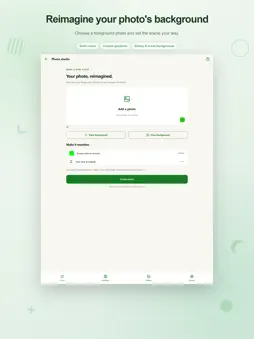
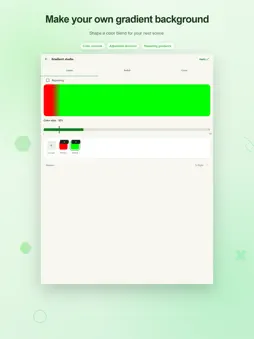
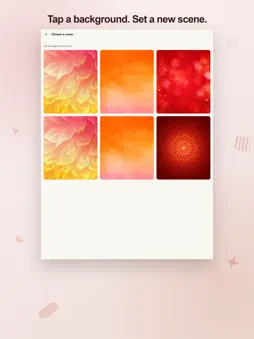
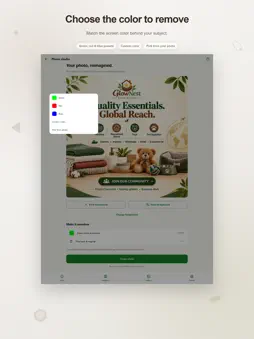
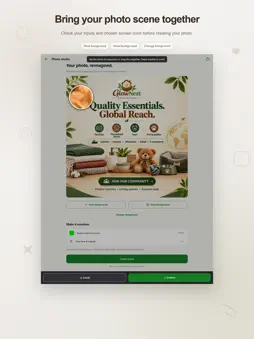
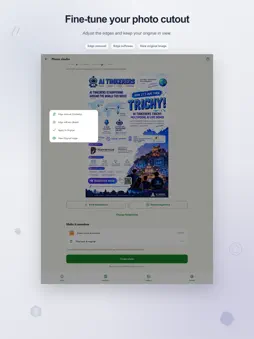
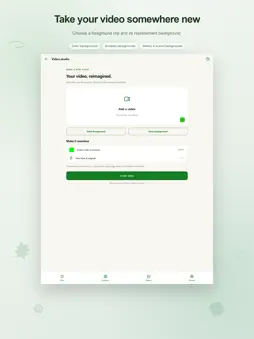
Replace a colored backdrop in an existing photo or video with Green Screen Editor. Choose an image from your library, a bundled scene, or a gradient, then create a composite you can preview, save, and share. Your scene, your choices Import your foreground photo or clip and select its replacement background. Crop or rotate a background image to suit the frame, or design a gradient with linear, radial, and conic styles. Control the color key Choose green, blue, red, or a custom screen color. You can also pick the color from your media with a magnified view. Adjust the color range with Similarity and soften the boundary with Blend. Check before saving Open separate views of the foreground and background to confirm your selections. Review the creation settings, generate the result, and inspect the finished scene. Create again after changing the background or edge settings. Keep the result Save a finished photo as PNG or a video as MP4, or open the device sharing options. Saved creations provides a local collection of saved results to revisit and share. A guided start Photo studio and Video studio keep the workflow focused on one foreground and its replacement backdrop. Replay the guided tours when you want help finding the controls. For creative portraits, scene experiments, and short clips, begin with a plain screen color that stands apart from your subject. The selected color is removed wherever it appears, so similar colors in clothing or props can also be affected. Contains ads. Saving to your photo library may require permission. Media compatibility depends on the selected file and your device. Keep the app open for longer exports.
Technical Analysis
Package Overview Basic metadata
Bundle ID
vfx.green.editor Current Version 3.0
Minimum iOS 15.0
Package Size App Store Size
Package Metadata 0 / 0 version records
Detailed binary, privacy manifest, framework, and Info.plist results have not been indexed for this package yet. The verified App Store and archive metadata above remains available.
Developer Information
Known Version Records
0 version records with stored package metadata
Stored metadata does not guarantee a package is currently available to download.
| Details | Version / IDs | Version date | Action |
|---|