Preview


Description
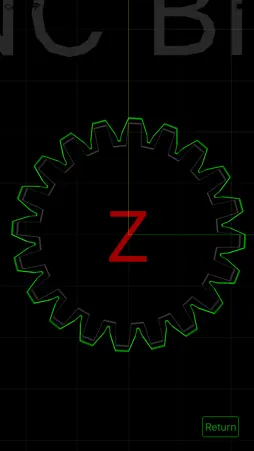
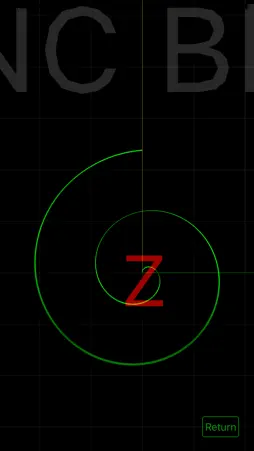
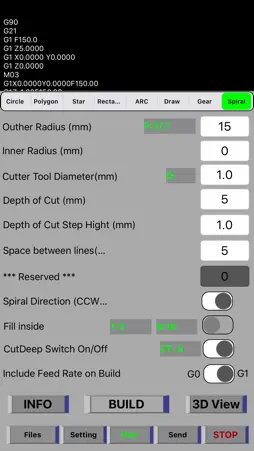
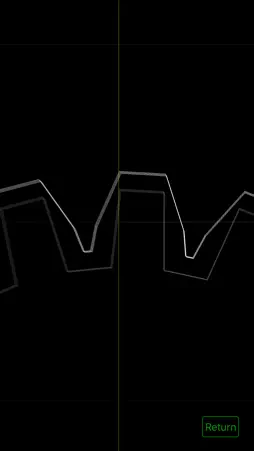
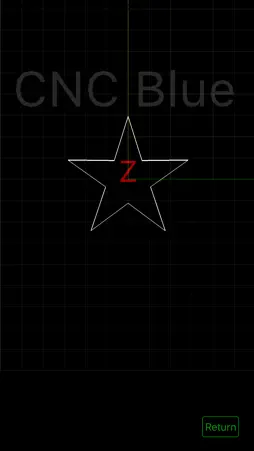
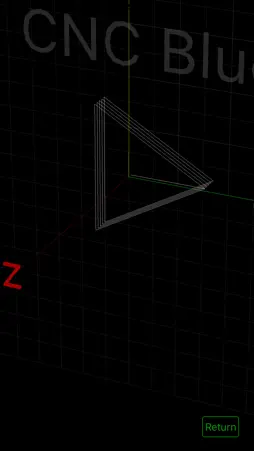
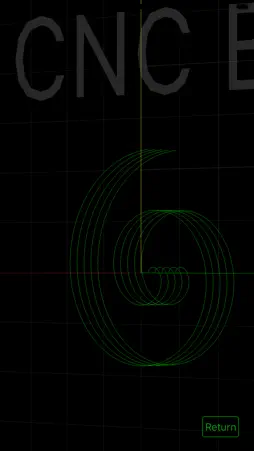
You can control 3 axis of your CNC milling machine which connected Arduino CNC shield with a suitable bluetooth module for iOS device at baud rate 9600. The application has G code build function modules which are circle, polygon, star, rectangle, arc, draw, gear and spiral modules. Some modules has cut inside and cut deep functions. You can select cut tool diameter. Draw module is another fantastic mode to allow to you can use on milling what you draw on the screen with selectable depth of cut function. Before use this function you have to calculate your CNC working area to fit your drawing to this area. All these modules can capable record builded G codes to a file with module name.For save G codes you have to open "save all calculations to files" switch from setting menu. You can share builded G codes. And you can send received Gcode to Arduino via bluetooth with send page, only load the received .nc file. All builded G codes automatically transfer send page, you need to touch send button to start cnc milling, application will send your Gcode to Arduino via bluetooth connection which you done from the application. You can share with airdrop, e-mail etc. all .nc files on the Files page. And polygon, star, rectangle, arc, draw, gear, spiral modes has 3D view function to show you what you build in 3D view . *IMPORTANT: The CNC Blue application has Stop button, but FOR YOUR SAFETY YOU HAVE TO USE YOUR OWN EMERGENCY STOP BUTTON WITH WIRE CONNECTED TO YOUR ARDUINO CNC SHIELD in case of needed to use.* Why I need to change baud rate to 9600: The application baud rate 9600. Because of that we need to change baud rate of Grbl from config.h file to correctly communicate with Grbl via bluetooth module. How you can set baud rate to 9600; You can find the Arduino Grbl "config.h" file from "documents/arduino/libraries/grbl/config.h" and change baud rate to #define BAUD_RATE 9600 How to connect your bluetooth module to Arduino CNC shield : Bluetooth module "TX" to Arduino CNC shield "RX", Bluetooth module "RX" to Arduino CNC shield "TX", Bluetooth module "VCC" to Arduino CNC shield "3V3", Bluetooth module "GND" to Arduino CNC shield "GND" Pins must be connected correctly to protect your Arduino-CNC shield and bluetooth module.
What's New
Version 1.03 2020-06-19
- Loop inside switch added to Rectangle module to make PCB Antennas (HF, VHF, UHF, SHF bands) - Loop inside function round the corners automatically to keep the...- Loop inside switch added to Rectangle module to make PCB Antennas (HF, VHF, UHF, SHF bands) - Loop inside function round the corners automatically to keep the signal quality high. - First open fill inside switch to use loop inside function. - Application gives Antenna length and full wave frequency on the info page to adjust length of antenna - This module builded for HAM RADIO operators, 73's Technical Analysis
Package Overview Basic metadata
Bundle ID
net.tuaren.CNC-Blue Current Version 1.03
Minimum iOS 13.5
Package Size App Store Size
Package Metadata 1 / 4 version records
Detailed binary, privacy manifest, framework, and Info.plist results have not been indexed for this package yet. The verified App Store and archive metadata above remains available.
Known Version Records
1 version record with stored package metadata • 4 known version records
Stored metadata does not guarantee a package is currently available to download.
| Details | Version / IDs | Version date | Action |
|---|---|---|---|
| 1.37 MB | v1.03 App Store ID: 836483810Build: 1.03 | 2020-06-19 19:17:13 | Paid / Arcade |
| Not archived | App Store ID: 836419270 | Unknown | Paid / Arcade |
| Not archived | App Store ID: 836326409 | Unknown | Paid / Arcade |
| Not archived | App Store ID: 835514088 | Unknown | Paid / Arcade |