
Preview




Description
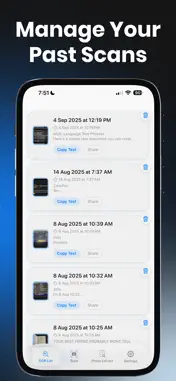
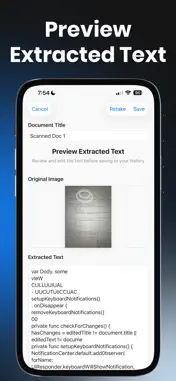
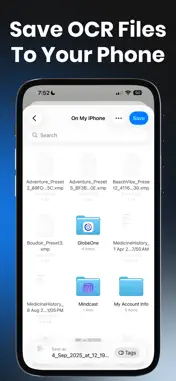
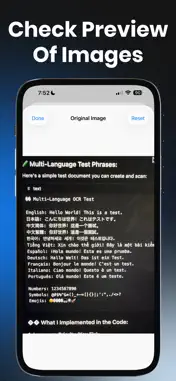
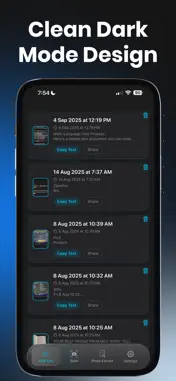
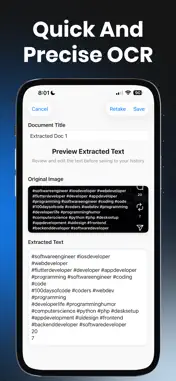
Extract Text from Any Image with Ease. OCRForge is a powerful, lightweight text scanner that turns your photos into editable text in seconds. Whether you’re importing images or using your camera to scan documents, it makes text extraction fast, accurate, and simple. Perfect for students, professionals, and anyone who needs to grab text on the go — receipts, printed pages, study notes, signs, and more. Key Features: • Scan with Camera. Instantly capture and extract text from paper, signs, or handwritten notes. • Import from Photos. Select any image from your gallery and convert it to text with a tap. • Smart OCR Engine. Accurate and fast text recognition powered by advanced image processing. • History View. All scanned text is saved for later. Easily copy or share it whenever you need. • No Ads. Enjoy a clean, distraction-free experience.
What's New
Version 1.4.1 2025-10-31
What's new in OCRForge - OCR Scanner AI Tool App: • Redesign UI from neon red to more calm blue, also replacement of buttons and few other UI improvements! • Im... Technical Analysis
Package Overview Basic metadata
Bundle ID
com.mefjudev.OCRForge Current Version 1.4.1
Minimum iOS 17
Package Size App Store Size
Package Metadata 1 / 6 version records
Detailed binary, privacy manifest, framework, and Info.plist results have not been indexed for this package yet. The verified App Store and archive metadata above remains available.
Developer Information
Known Version Records
1 version record with stored package metadata • 6 known version records
Stored metadata does not guarantee a package is currently available to download.
| Details | Version / IDs | Version date | Action |
|---|---|---|---|
| 32.12 MB | v1.4.1 App Store ID: 879254119Build: 1.4.1 | 2025-10-31 11:41:04 | Get Version |
| Not archived | App Store ID: 877827325 | Unknown | Request Version |
| Not archived | App Store ID: 877759103 | Unknown | Request Version |
| Not archived | App Store ID: 877079163 | Unknown | Request Version |
| Not archived | App Store ID: 877041881 | Unknown | Request Version |
| Not archived | App Store ID: 876340367 | Unknown | Request Version |