Preview


Description
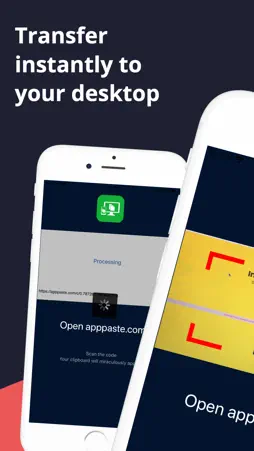
If you use a phone and a desktop every day, you need the fastest way to get data from your phone to your desktop. To use: 1) Use your phones 'copy' function to copy text or an image from anywhere in your phone - the information you copied is now in your phone's clipboard. 2) Open the apppaste.com on your desktop computer 3) Use the camera or the App Paste app on your phone to scan the qrcode 4) The contents of your clipboard will show show up on your desktop No more sending emails to yourself from your phone to open on your email. Who can use this app: Users that have information on their phone and need to get it to a desktop computer The purpose of this app is to help those that need to get information from their phone a desktop computer quickly. While there are many other methods to transferring data (Email, Text Message, a directly connected computer, etc) each of these methods either need setup or authentication or another specific method which take time or might not be available. App Paste and apppaste.com are instantly available to transfer to any computer with a browser. Step-by-step example 1) Open your phone and open any program which allows you to use the 'copy' feature to copy text. Such as the Messages app, select the most recent conversation you hadlong press on a message until the menu come up and select 'copy' - this message is now in your clipboard 2) Open the App Paste app on your phone - the main screen will display - giving you instructions to then open https://apppaste.com on a browser 3) Open apppaste.com on a browser on one of your other devices. On the https://apppaste.com website you will see a qrcode. Scan that code from App Paste app and within a few seconds the contents of your clipboard will show up on the https://apppaste.com so you can then use that text on your desktop (just click the text to copy it)
Technical Analysis
Package Overview Basic metadata
Bundle ID
com.apppaste Current Version 1.0
Minimum iOS 11.0
Package Size App Store Size
Package Metadata 0 / 1 version records
5.0 / 5.0 (1 ratings)
Detailed binary, privacy manifest, framework, and Info.plist results have not been indexed for this package yet. The verified App Store and archive metadata above remains available.
Developer Information
Known Version Records
0 version records with stored package metadata • 1 known version records
Stored metadata does not guarantee a package is currently available to download.
| Details | Version / IDs | Version date | Action |
|---|---|---|---|
| Not archived | App Store ID: 839647730 | Unknown | Request Version |