
Preview





Description
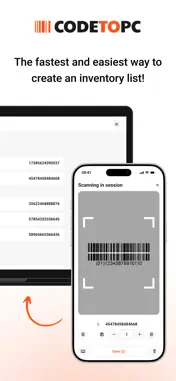
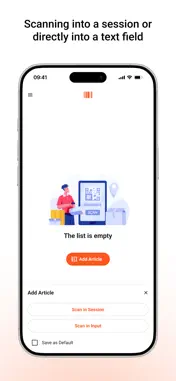
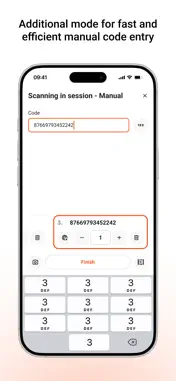
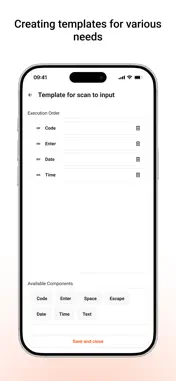
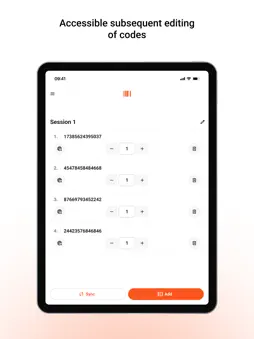
Code To PC – Fast and Reliable Barcode and QR Code Scanner Turn your phone into a high-precision barcode and QR scanner and send data to your PC. Download the server app here: https://codetopc.com Features - Data Transfer – Scan barcodes and QR codes and send them directly to your PC. - Wi-Fi Connection – No cables needed. Your phone and PC connect over the same network. - Keyboard Emulator – Automatically types scanned codes into any app on your PC. - CSV Export – Save scans instantly or export them later as a CSV file. - Multi-Platform Support – Works on Windows and macOS. - High-Precision Scanning – Uses advanced camera processing for accurate recognition. - User-Friendly Interface – Simple and intuitive design. How It Works - Download and install the Code To PC server on your PC - Make sure your phone and PC are on the same Wi-Fi network - Open the app and start scanning – data is instantly sent to your PC Server app download: https://codetopc.com Perfect For - Inventory Management - Retail and Point of Sale - Office and Productivity Automation - Logistics and Warehousing - Personal Use and More Download Code To PC and simplify your work!
What's New
Version 1.2.2 2026-08-16
• Fixed: scanning the same QR code again after a failed pairing attempt now works. Previously the camera would not pick it up a second time. • Fixed: the noti... Technical Analysis
Package Overview Basic metadata
Bundle ID
com.stringify.codetopc Current Version 1.2.2
Minimum iOS 15.0
Package Size App Store Size
Package Metadata 0 / 7 version records
Detailed binary, privacy manifest, framework, and Info.plist results have not been indexed for this package yet. The verified App Store and archive metadata above remains available.
Developer Information
Known Version Records
0 version records with stored package metadata • 7 known version records
Stored metadata does not guarantee a package is currently available to download.
| Details | Version / IDs | Version date | Action |
|---|---|---|---|
| Not archived | App Store ID: 883799187 | Unknown | Request Version |
| Not archived | App Store ID: 882915914 | Unknown | Request Version |
| Not archived | App Store ID: 882874273 | Unknown | Request Version |
| Not archived | App Store ID: 882819270 | Unknown | Request Version |
| Not archived | App Store ID: 882679750 | Unknown | Request Version |
| Not archived | App Store ID: 882658315 | Unknown | Request Version |
| Not archived | App Store ID: 882049532 | Unknown | Request Version |