Preview







Description
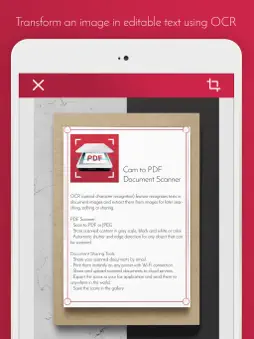
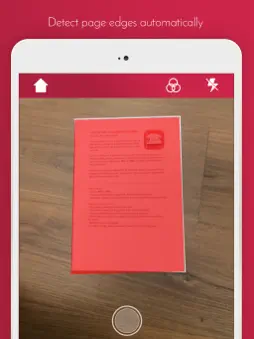
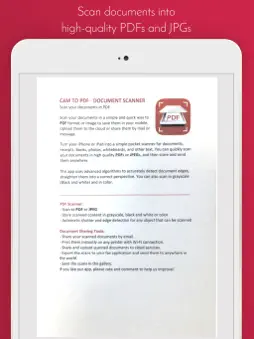
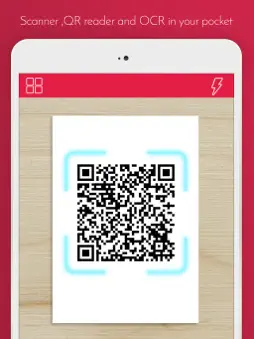
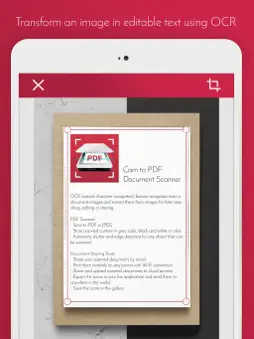
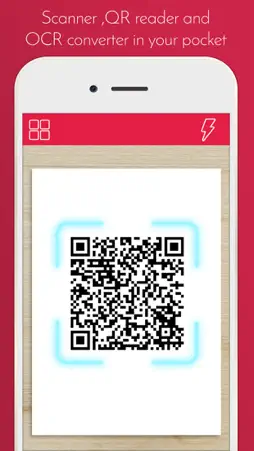
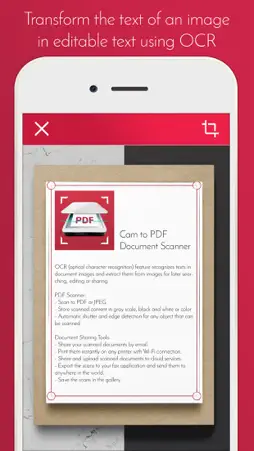
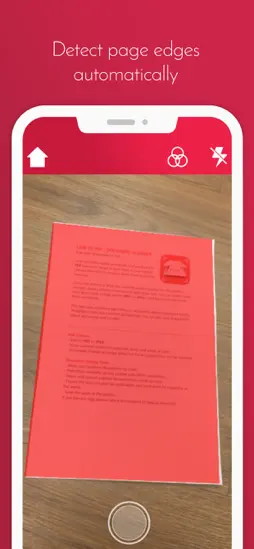
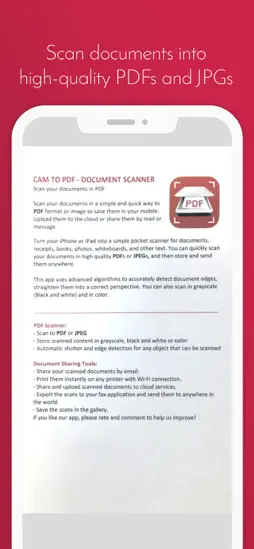
Cam to PDF - Document ScannerScan your documents in a simple and quick way to PDF format or image to save them in your mobile. Upload them to the cloud or share them by mail or message. Turn your phone into a simple pocket scanner for documents, receipts, books, photos, whiteboards, and other text. You can quickly scan your documents in high quality PDFs or JPEGs, and then store and send them anywhere. This app uses advanced algorithms to accurately detect document edges, straighten them into a correct perspective. You can also scan in gray scale (Black and white) and in color. NEW FEATURE: Extract Texts from Image - OCR (optical character recognition) feature recognizes texts in document images and extract them from images for later searching, editing or sharing. PDF Scanner: - Scan to PDF or JPEG - Store scanned content in gray scale, black and white or color - Automatic shutter and edge detection for any object that can be scanned Document Sharing Tools: - Share your scanned documents by email. - Print them instantly on any printer with Wi-Fi connection. - Share and upload scanned documents to cloud services. - Export the scans to your fax application and send them to anywhere in the world. - Save the scans in the gallery. If you like our app, please rate and comment to help us improve!
What's New
Version 1.3 2025-06-23
The app has been revamped using Swift to provide quicker and more reliable performance. Text recognition (OCR) now utilizes Apple’s Vision framework, enhancing...The app has been revamped using Swift to provide quicker and more reliable performance. Text recognition (OCR) now utilizes Apple’s Vision framework, enhancing its precision. All libraries have been upgraded to their most recent versions for improved security and compatibility. We’ve addressed a bug related to PDF conversion to make it more dependable. Version 1.2 2020-05-06
-ios 13 bugs fixed Version 1.1 2019-03-29
- Visual interface redesigned. - App redesigned to make it easier to use. - Visual errors with iPhone X fixed. - Improvements in the performance of the app Version 1.0 2017-10-11
App Store User Reviews
Danharris41 2026-08-20
Useful Document Scanner!!
This app makes scanning documents quick and convenient. The scans are clear, and creating digital copies is simple. It works well for everyday document needs, a...This app makes scanning documents quick and convenient. The scans are clear, and creating digital copies is simple. It works well for everyday document needs, although a few more features and customization options would make it even better.
ak4300 2020-02-03
Crops photo automatically
The app constantly trims off about half an inch of the border of the document
Technical Analysis
Package Overview Basic metadata
Bundle ID
com.mariagascon.documentscan Current Version 1.3
Minimum iOS 14.0
Package Size App Store Size
Package Metadata 0 / 4 version records
4.0 / 5.0 (1 ratings)
Detailed binary, privacy manifest, framework, and Info.plist results have not been indexed for this package yet. The verified App Store and archive metadata above remains available.
Related Apps


More by Maria Gascon


Developer Information
Known Version Records
0 version records with stored package metadata • 4 known version records
Stored metadata does not guarantee a package is currently available to download.
| Details | Version / IDs | Version date | Action |
|---|---|---|---|
| Not archived | v1.3 App Store ID: 875626394Build: 1.3 | 2025-06-23 22:26:31 | Request Version |
| Not archived | v1.2 App Store ID: 835745435Build: 1.2 | 2020-05-06 17:36:35 | Request Version |
| Not archived | v1.1 App Store ID: 830424374Build: 1.1 | 2019-03-29 22:30:10 | Request Version |
| Not archived | v1.0 App Store ID: 823961369Build: 1.0 | 2017-10-11 22:12:08 | Request Version |