
Preview




Description
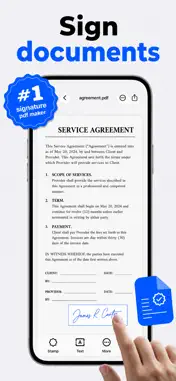
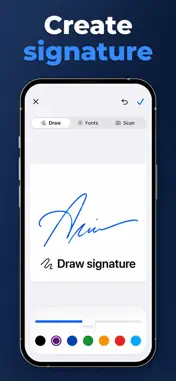
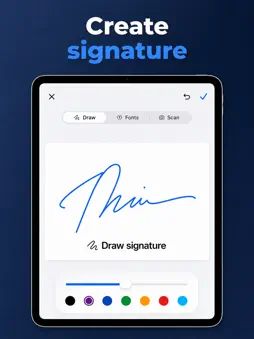
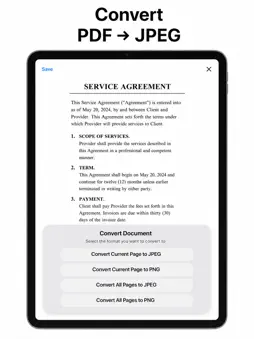
Sign, fill, scan pages, add text and stamps, manage pages, convert PDF pages to JPG/PNG, and extract OCR text from your iPhone or iPad. Use it as a PDF editor and document signer: add text, manage pages, compress files, convert pages to JPG/PNG, and extract text to a TXT file. Great for forms, contracts, approvals, receipts, and everyday paperwork. Add typed text with font and color controls, save reusable signatures and stamps, scan a signature or stamp from the camera or Photos, remove paper backgrounds, then place, resize, rotate, or adjust items exactly where the document needs them. Keep the whole PDF workflow in one app: reorder pages, remove pages, add new scanned or photo pages, undo recent edits, print, email, share, compress files, convert PDF pages to JPG or PNG, and extract OCR text to TXT. Built for contracts, invoices, tax forms, NDAs, receipts, school packets, approvals, and everyday paperwork. Signature PDF Pro in-app purchase is required for PDF compression, sharing/exporting finished PDFs, emailing or printing PDFs, scanning signatures from the camera or Photos, and saving more than one scanned stamp. Privacy Policy: https://maplebyte.xyz/signature/privacy Terms of Use: https://maplebyte.xyz/signature/terms Support: https://maplebyte.xyz/signature/support
What's New
Version 1.1 2026-06-21
Updated screenshots Technical Analysis
Package Overview Basic metadata
Bundle ID
xyz.maplebyte.signature Current Version 1.1
Minimum iOS 18.0
Package Size App Store Size
Package Metadata 0 / 2 version records
Detailed binary, privacy manifest, framework, and Info.plist results have not been indexed for this package yet. The verified App Store and archive metadata above remains available.
Developer Information
Known Version Records
0 version records with stored package metadata • 2 known version records
Stored metadata does not guarantee a package is currently available to download.
| Details | Version / IDs | Version date | Action |
|---|---|---|---|
| Not archived | App Store ID: 887247451 | Unknown | Request Version |
| Not archived | App Store ID: 885861071 | Unknown | Request Version |