
Preview





Description
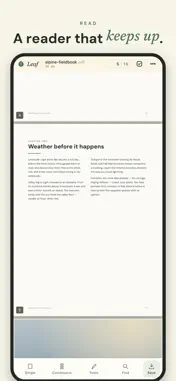
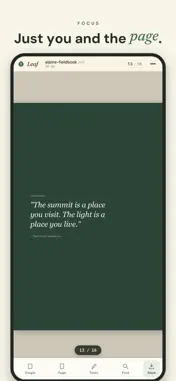
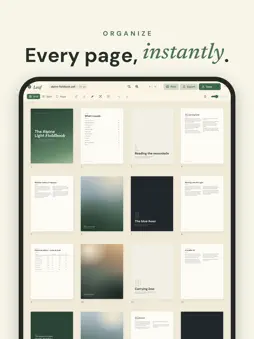
Leaf is a fast, private PDF editor that stays smooth whether you open a one-page receipt or a four-thousand-page manual. Most PDF apps choke on big files or bury the basics behind a subscription. Leaf does neither. Everything runs on your device — your documents never leave your iPhone, iPad, or Mac. EDIT WITHOUT THE WAIT • Reorder, rotate, and delete pages with a tap or a drag • Open enormous PDFs that crash other apps — Leaf only loads what's on screen • Continuous scroll, single-page, and grid views; pinch to zoom anywhere • Find & replace text across the whole document • Add, edit, and remove text right on the page • Draw and place your signature • Insert page numbers, headers, and footers SCANNED PAGES, SEARCHABLE • On-device OCR recognizes text on scanned pages (up to 10 pages per document) so Find works everywhere • No cloud processing — recognition happens entirely on your device SHARE IT YOUR WAY • Export pages as PDF, PNG, or JPG • Print straight from the app • Fill-and-sign workflows with text and signature overlays PRIVATE BY DESIGN Leaf makes no network calls and collects no data. There are no analytics, no ads, no account, and no third-party SDKs. What you open stays with you. Free. No subscription. Works on iPhone, iPad, and Mac.
What's New
Version 1.0.1 2026-10-08
• Signatures: place one exactly where you're looking, drag it by the ink, and resize from the corner without it ever being cropped • Photo Reposition now works ... Technical Analysis
Package Overview Basic metadata
Bundle ID
com.lukedavid.leaf Current Version 1.0.1
Minimum iOS 16.0
Package Size App Store Size
Package Metadata 0 / 0 version records
Detailed binary, privacy manifest, framework, and Info.plist results have not been indexed for this package yet. The verified App Store and archive metadata above remains available.
Known Version Records
0 version records with stored package metadata
Stored metadata does not guarantee a package is currently available to download.
| Details | Version / IDs | Version date | Action |
|---|