
Preview





Description
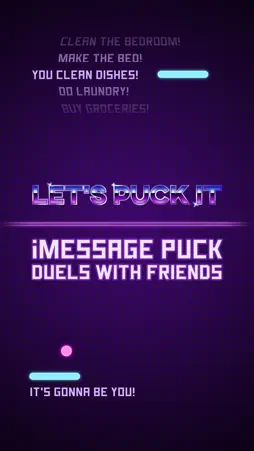
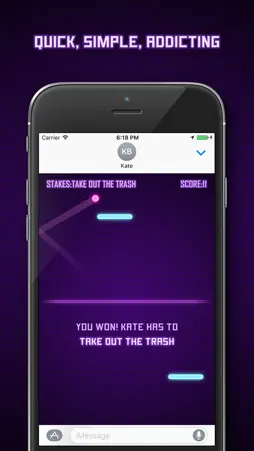
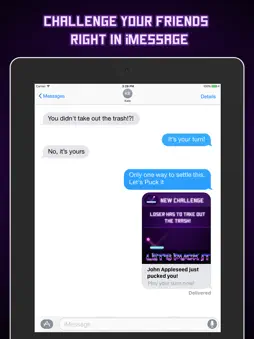
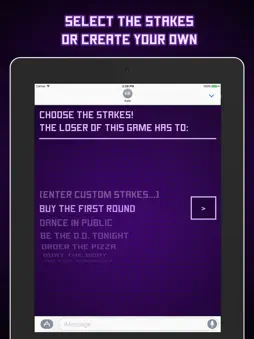
Note: This game is played exclusively within iMessage. “Let’s Puck It” is a turn-based game of air hockey with high stakes involved. Choose from a list of bets (e.g. loser has to buy dinner, do winner’s laundry, etc) or enter your own custom stakes. Anything you can think of! It gets harder than you’d expect, because the speed increases on each volley! It's addictively simple and a great way to settle disagreements. Get it today and challenge your friends to Puck It! Please note that iMessage apps are ONLY compatible with devices on iOS 10.0 or above. Quick tips on installing and using iMessage apps: • Open your iMessage app • Enter one of your conversations or start a new one • Tap the App Store icon alongside the compose field to see your most recently used iMessage app. Swipe the screen to the left to see more of your iMessage apps • To continue browsing, tap the icon on the lower left corner which brings up the app drawer. From there, tap the plus icon to access the App Store for iMessage, where you can browse and download more apps. Here, you can also go to Manage where you can add your apps to your app drawer. If you wish to uninstall the app: • Open one of your conversations in iMessage • Tap little app store icon to the left of your message input field • Tap on the 4 dots that appear on the bottom left of the screen • Tap on store • Tap on Manage • You’ll see all of the imessage apps and you can deactivate ones you don’t use CONNECT Support: [email protected] Join our beta program: www.little-labs.com/products.html About us: www.little-labs.com
What's New
Version 1.4.2 2017-04-19
Optimizations! Technical Analysis
Package Overview Package analysis available
Bundle ID
com.littlelabs.Plong Current Version 1.4.2
Minimum iOS 10.0
Package Size Latest Recorded Package Size
Package Metadata 1 / 9 version records
Brisk
org.cocoapods.Brisk v3.1.1iOS 8.0+362.2 KB
4.6 / 5.0 (1,643 ratings)
Known Version Records
1 version record with stored package metadata • 9 known version records
Stored metadata does not guarantee a package is currently available to download.
| Details | Version / IDs | Version date | Action |
|---|---|---|---|
 15.33 MB | v1.4.2 App Store ID: 841667059Build: 4 | 2021-04-20 17:20:28 | Get Version |
| Not archived | App Store ID: 821624134 | Unknown | Request Version |
| Not archived | App Store ID: 821295615 | Unknown | Request Version |
| Not archived | App Store ID: 821013933 | Unknown | Request Version |
| Not archived | App Store ID: 820702500 | Unknown | Request Version |
| Not archived | App Store ID: 820499844 | Unknown | Request Version |
| Not archived | App Store ID: 820358662 | Unknown | Request Version |
| Not archived | App Store ID: 820134840 | Unknown | Request Version |
| Not archived | App Store ID: 819984632 | Unknown | Request Version |