
Preview







Description
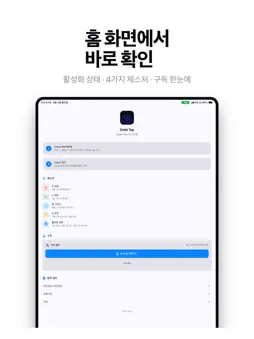
SWIFT - Go Back and Forward with One Tap No more stretching your fingers to swipe from the screen edge. Just tap the floating button to go back to the previous page. Floating Button - 1 tap: Go to previous page - 2 taps: Go to next page - 3 taps: Activate gesture mode - Hold 2 seconds: Show gesture guide - Freely move the button anywhere 4 Gestures (in gesture mode) - X shape: Close current tab - L shape: Open new tab - Circle: Search text on page - C shape: Hard refresh (bypass cache) How to Use 1. Settings - Safari - Extensions - Enable SWIFT 2. A floating button appears in Safari 3. Tap the button to go back/forward 4. Triple tap for gesture mode - draw shapes on screen Privacy Policy: https://moonkj.github.io/Swift/privacy.html Terms of Service: https://moonkj.github.io/Swift/terms.html
What's New
Version 1.1.0 2026-06-20
Orbit Tap is now a one time purchase instead of a subscription. Buy once and keep using every feature. We also cleaned up the app for better performance and a s... Technical Analysis
Package Overview Basic metadata
Bundle ID
com.shadowengine.app Current Version 1.1.0
Minimum iOS 16.0
Package Size App Store Size
Package Metadata 0 / 2 version records
Detailed binary, privacy manifest, framework, and Info.plist results have not been indexed for this package yet. The verified App Store and archive metadata above remains available.
Developer Information
Known Version Records
0 version records with stored package metadata • 2 known version records
Stored metadata does not guarantee a package is currently available to download.
| Details | Version / IDs | Version date | Action |
|---|---|---|---|
| Not archived | App Store ID: 887118125 | Unknown | Paid / Arcade |
| Not archived | App Store ID: 884608487 | Unknown | Paid / Arcade |