
Preview



Description
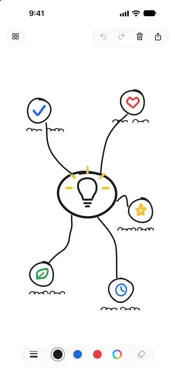
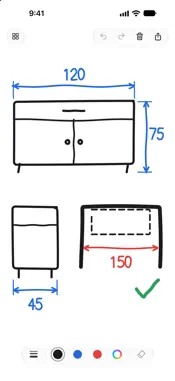
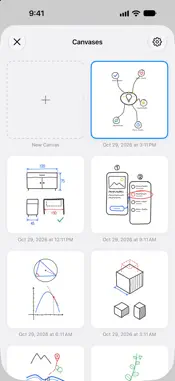
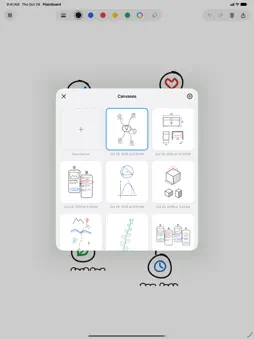
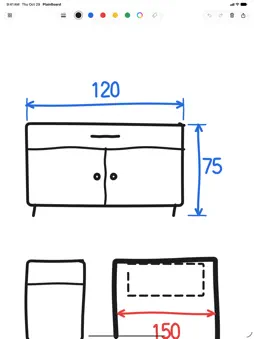
PlainBoard is a whiteboard app with a simple, intuitive design. Open it and start drawing right away. No shapes, sticky notes or layers on purpose — just sketch it, show it, send it. ■ A big canvas you can zoom and move • Draw freely on a large square canvas • Pinch with two fingers to zoom and move the canvas, so you can draw fine details even on a small iPhone screen ■ Pens and colors • Five line widths • A quick palette of black, blue and red (iPhone: 3 colors; iPad: 5, adding yellow and green) • Save your favorite colors as custom colors • Eraser, undo/redo and clear all ■ Canvases save automatically • Every canvas is saved as you draw. Pick one from the list to keep going • Duplicate or delete canvases — or select several and do it all at once ■ Share in a tap • Copy the image and paste it into other apps • Save to Photos • Send via AirDrop or other apps from the share menu ■ Landscape on iPhone, too • Turn your iPhone sideways and the toolbar lines up along the side of the screen, giving you more canvas • Left-handed? Move the toolbar to the right side in Settings ■ iPad and Apple Pencil • Start drawing with Apple Pencil and Pencil mode turns on automatically: the Pencil draws and your fingers move the canvas, so a resting hand won't leave marks • Want to draw with your finger? Switch easily from the share menu ■ PlainBoard Pro (one-time purchase) • No ads • Send by email: instantly create an email to your saved address with your drawing attached (PNG) • Export to Files: PNG (transparent), JPG, PDF and SVG It's a one-time purchase, not a subscription. Use it on any iPhone or iPad signed in to the same Apple Account. Family Sharing is supported. All drawing features are available in the free version. ■ 18 languages English, Japanese, Chinese (Simplified and Traditional), Korean, German, French, Spanish, Portuguese, Italian, Dutch, Polish, Turkish, Russian, Ukrainian, Thai, Vietnamese and Indonesian
What's New
Version 1.2 2026-11-05
• Organize your canvases into folders (Pro). Press and hold, then drag to move them into folders or reorder them • Paste photos and images onto your canvas (Pro... Technical Analysis
Package Overview Basic metadata
Bundle ID
jp.kaihawk.whiteboard Current Version 1.2
Minimum iOS 17.0
Package Size App Store Size
Package Metadata 0 / 0 version records
Detailed binary, privacy manifest, framework, and Info.plist results have not been indexed for this package yet. The verified App Store and archive metadata above remains available.
Developer Information
Known Version Records
0 version records with stored package metadata
Stored metadata does not guarantee a package is currently available to download.
| Details | Version / IDs | Version date | Action |
|---|