
Preview






Description
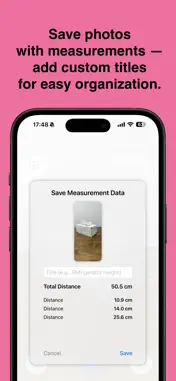
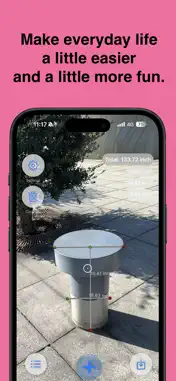
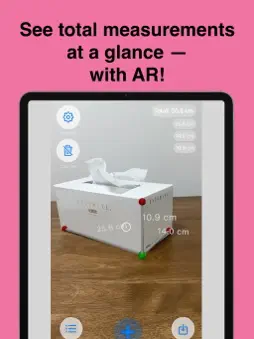
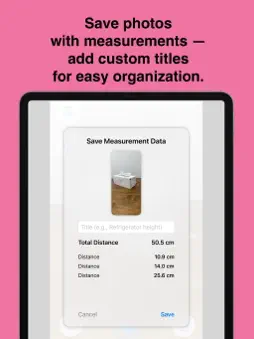
Measure real-world objects quickly and accurately using your iPhone’s camera and AR technology. Capture distances, save snapshots with measurements, add notes, and review past records — perfect for everyday tasks, DIY projects, furniture planning, package checking, and more. * Features • AR Distance Measurement — Point your camera and measure instantly in cm, mm, or inches. • Snapshot Saving — Save photos with all distances included, plus automatic total distance calculation. • Organized Notes — Add titles like “Bookshelf height” and keep your measurements neatly stored. • History View — Browse past measurements with images, totals, and individual values. • Works Offline — Measurement and history viewing work without an internet connection. * FAQ Is the app free? Yes. The app is free to download and use. A small banner ad is shown at the bottom, and you can remove ads with a one-time purchase. How do I save measurements? After taking a measurement, tap the save button to add a title and store it with a snapshot. Which units can I use? You can switch between millimeters, centimeters, and inches in the settings. Can I edit past records? Saved measurements can be viewed or deleted at any time from the history screen. Who is this app for? Anyone who needs quick, simple, and accurate measurements — including homeowners, DIY users, students, movers, and shoppers.
Technical Analysis
Package Overview Basic metadata
Bundle ID
com.junyamabe.ARMeasureNote Current Version 1.0.0
Minimum iOS 18.4
Package Size App Store Size
Package Metadata 0 / 1 version records
Detailed binary, privacy manifest, framework, and Info.plist results have not been indexed for this package yet. The verified App Store and archive metadata above remains available.
Developer Information
Known Version Records
0 version records with stored package metadata • 1 known version records
Stored metadata does not guarantee a package is currently available to download.
| Details | Version / IDs | Version date | Action |
|---|---|---|---|
| Not archived | App Store ID: 879729234 | Unknown | Request Version |