
Preview

Description
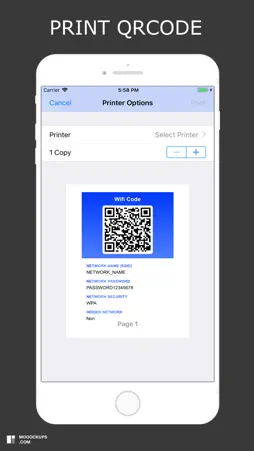
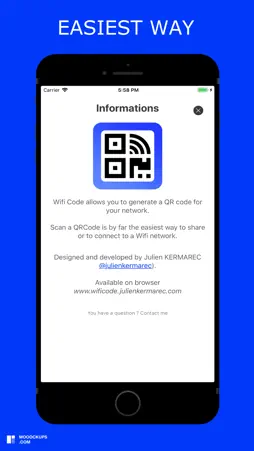
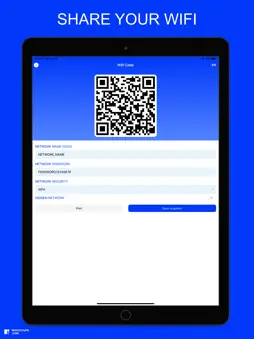
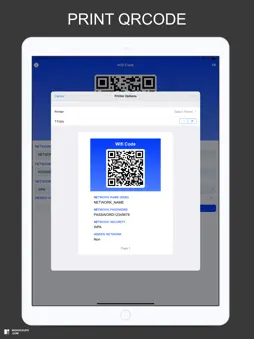
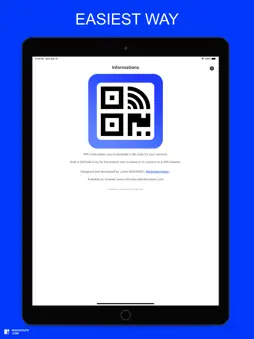
Wifi Code allows you to generate a QR code for your Wifi network. You want to share your wifi network: 1) Enter the name of your network (SSID) 2) Enter your network password (if you have one) 3) Select your type of network security (WPA default, WEP) 4) Select whether your network is hidden or not 5) Print and save the QRCode generated by the application This is by far the easiest and most convenient way to connect to a Wifi network. You want to access a wifi network: 1) Open your camera or scan application 2) Scan the QRcode 3) Connect to the wifi network
What's New
Version 2.0.4 2025-02-23
Bugfixes Technical Analysis
Package Overview Basic metadata
Bundle ID
com.kerweb.wificode Current Version 2.0.4
Minimum iOS 14.0
Package Size App Store Size
Package Metadata 0 / 3 version records
Detailed binary, privacy manifest, framework, and Info.plist results have not been indexed for this package yet. The verified App Store and archive metadata above remains available.
Developer Information
Known Version Records
0 version records with stored package metadata • 3 known version records
Stored metadata does not guarantee a package is currently available to download.
| Details | Version / IDs | Version date | Action |
|---|---|---|---|
| Not archived | App Store ID: 872726301 | Unknown | Request Version |
| Not archived | App Store ID: 865233238 | Unknown | Request Version |
| Not archived | App Store ID: 830532242 | Unknown | Request Version |