
Preview







Description
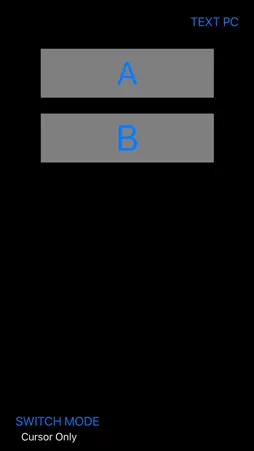
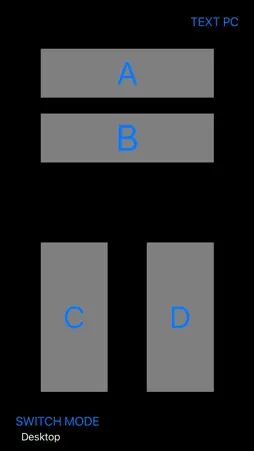
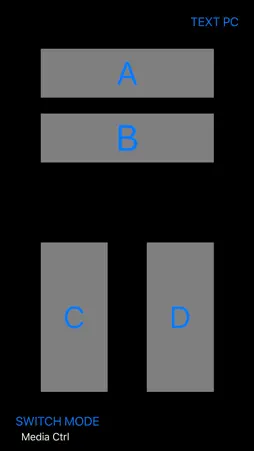
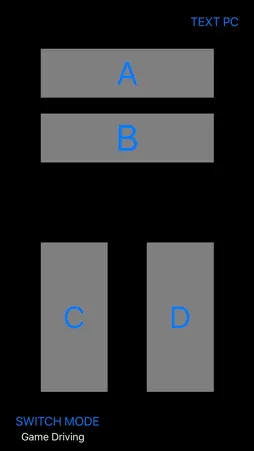
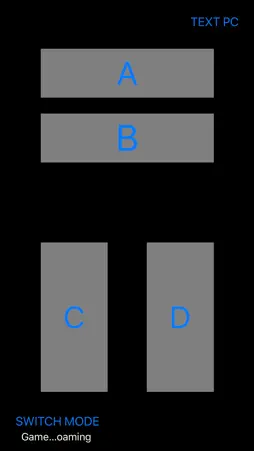
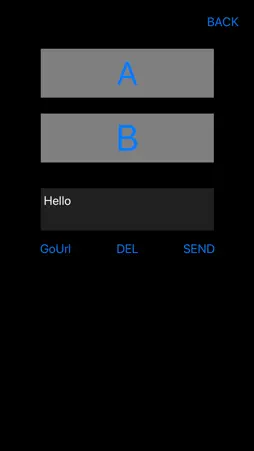
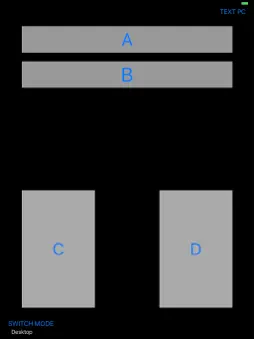
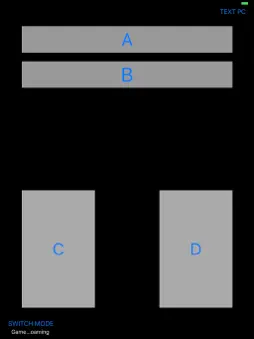
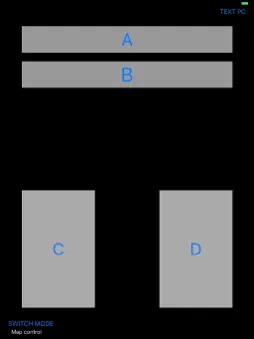
No mouse, no keyboard, more freedom. The app makes your smart phone a great remote controller for your computers, for web browsing, gaming, education, home entertainment and more. "JPTI Remote Server" required on computer. For server downloading, demos and instructions, visit: http://www.jptiinc.net Bluetooth required on computer. Pleas feel free to contact us at: [email protected] Concise design The app uses two virtual buttons A and B or, in some control modes, two additional buttons C and D. Controller functions 1. Cursor control: When holding button A or button B down, the phone can be used to control cursor movement by pointing to difference directions. Click of A button works as mouse left click. 2. Desktop mode: Quick application start, switch and quit. Text PC function allows text input to PC from your smartphone 3. Media control mode: For web browsing and video play. Support page navigation, zoom in/out, full screen control, volume control, etc. 3. Game driving control: Control left and right turns in Driving games by turning your phone like a driving wheel. Press button C for brake. Press button D for gas. Button B for function key. 4. Game roaming mode: Control viewing direction in games. In the app, press A or B button and turn your phone Up, Down, Left or Right to look at the corresponding direction. Control moving direction in games by holding down C button and turning your phone Up, Down, Left or Right to move Backward, Forward, Left or Right. 5. Map mode: work with google map and google earth. Allows you to easily operate a virtual globe. Please visit our website for demo and instructions.
What's New
Version 1.06 2018-11-10
User experience improvement. Allow configuration of control mode with JPTI Remote Server Technical Analysis
Package Overview Basic metadata
Bundle ID
JPTI.pcRemote Current Version 1.06
Minimum iOS 9.1
Package Size App Store Size
Package Metadata 0 / 6 version records
Detailed binary, privacy manifest, framework, and Info.plist results have not been indexed for this package yet. The verified App Store and archive metadata above remains available.
Developer Information
Known Version Records
0 version records with stored package metadata • 6 known version records
Stored metadata does not guarantee a package is currently available to download.
| Details | Version / IDs | Version date | Action |
|---|---|---|---|
| Not archived | App Store ID: 829251035 | Unknown | Request Version |
| Not archived | App Store ID: 829234424 | Unknown | Request Version |
| Not archived | App Store ID: 829071385 | Unknown | Request Version |
| Not archived | App Store ID: 828751026 | Unknown | Request Version |
| Not archived | App Store ID: 828736154 | Unknown | Request Version |
| Not archived | App Store ID: 828339688 | Unknown | Request Version |