Preview






Description
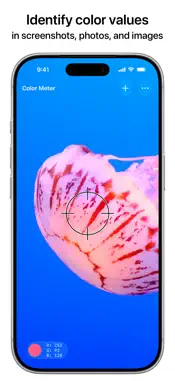
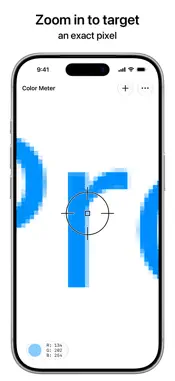
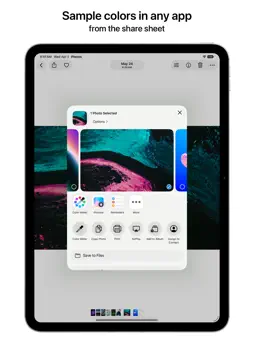
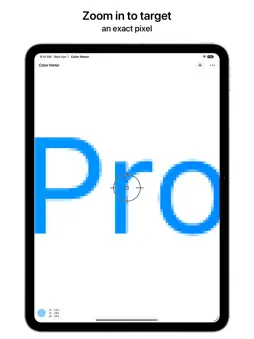
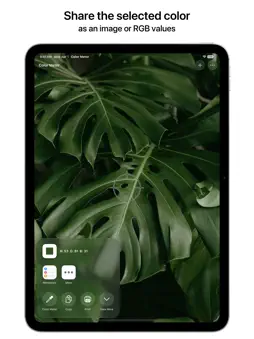
Find the value of a color in your screenshots, photos, and other images. How to Use • From anywhere: Take a screenshot, tap the Share button, and choose Color Meter • From any app: Drag and drop an image directly into Color Meter or onto the app icon • In the app: Add a photo from Photos, Files, Camera, or Clipboard • In another app like Photos: Share an image and choose Color Meter in the share sheet Features • Zoom in and pan around to pinpoint specific pixel color values • Increase the aperture size to average the color values of sampled pixels • Choose a color space from Native Values (including EDR and EDR Linear), P3, sRGB, BT.2020, Adobe RGB, or L*a*b* • Display RGB color values in Decimal, Hexadecimal, Percentage, or Float • Share the color value as text or an image • Drag and drop the sampled color into another app And More • Beautiful Liquid Glass design • Available for iPhone and iPad • Customizable toolbar, menu bar, keyboard shortcuts, and multiple windows on iPad • Supports HDR photos and wide colors • Full accessibility support • No ads, no tracking, no subscriptions Color Meter is a simple and focused tool for picking colors from images. It intentionally does not include functionality such as generating color palettes, saving favorite colors, etc. Color Meter Pro is an available in-app purchase that allows you to sample colors without any limits or interruptions. Purchase once to unlock on all your devices forever. If you’ve used Digital Color Meter on the Mac, you’ll feel right at home in this app. Made for designers, developers, and anyone else who will find it useful. If you appreciate the app, please leave a kind review!
What's New
Version 1.1 2026-10-08
This update includes optimizations for iPhone Duo. Technical Analysis
Package Overview Basic metadata
Bundle ID
com.jordanhipwell.Color-Meter Current Version 1.1
Minimum iOS 18.0
Package Size App Store Size
Package Metadata 1 / 2 version records
Detailed binary, privacy manifest, framework, and Info.plist results have not been indexed for this package yet. The verified App Store and archive metadata above remains available.
Developer Information
Known Version Records
1 version record with stored package metadata • 2 known version records
Stored metadata does not guarantee a package is currently available to download.
| Details | Version / IDs | Version date | Action |
|---|---|---|---|
| 6.96 MB | v1.0.2 App Store ID: 888195887Build: 1.0.2 | 2026-09-14 15:47:58 | Get Version |
| Not archived | App Store ID: 884826442 | Unknown | Request Version |