
Preview





Description
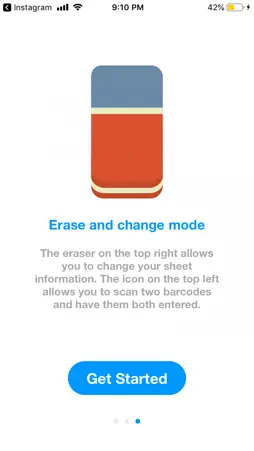
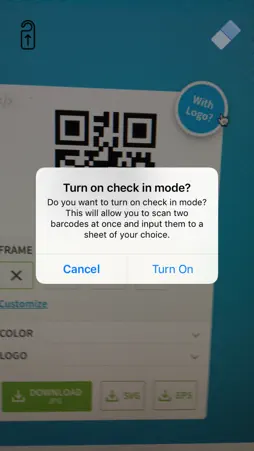
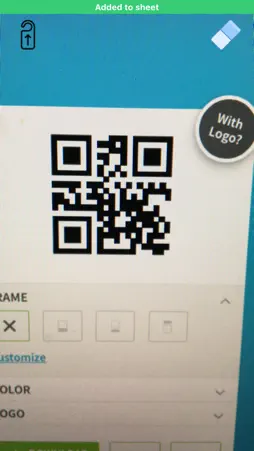
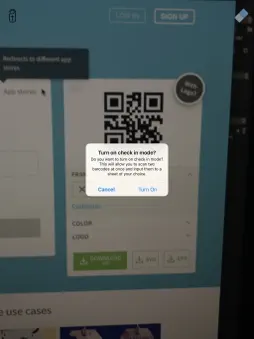
Scan to Sheets allows you to instantly upload QR Codes or barcodes to a Google Sheet. To start, simply: 1.) Create a Google Sheet 2.) Get the Key (in the URL) and the range or ranges of the sheets you'd like to enter into. 3.) Enter them in and scan away! Every item you scan will instantly be added to the Sheet! This can be used for attendance, checking out items, adding points for meetings, or anything that uses Sheets. You can now also upload two barcodes at once in whatever range you desire! Scan to Sheets is a simple way to upload the information stored in a barcode right into a Google Sheet without any complex equipment.
What's New
Version 1.3 2019-02-19
This new update adds a walkthrough, improves the user interface, and allows users to select only one sheet range to upload to. Technical Analysis
Package Overview Basic metadata
Bundle ID
com.Jibran.ScanToSheet Current Version 1.3
Minimum iOS 11.0
Package Size App Store Size
Package Metadata 1 / 4 version records
2.9 / 5.0 (12 ratings)
Detailed binary, privacy manifest, framework, and Info.plist results have not been indexed for this package yet. The verified App Store and archive metadata above remains available.
Known Version Records
1 version record with stored package metadata • 4 known version records
Stored metadata does not guarantee a package is currently available to download.
| Details | Version / IDs | Version date | Action |
|---|---|---|---|
 4.1 MB | v1.3 App Store ID: 830338163Build: 1.1 | 2019-02-18 19:01:30 | Get Version |
| Not archived | App Store ID: 829191384 | Unknown | Request Version |
| Not archived | App Store ID: 829167618 | Unknown | Request Version |
| Not archived | App Store ID: 828436634 | Unknown | Request Version |