
Preview









Description
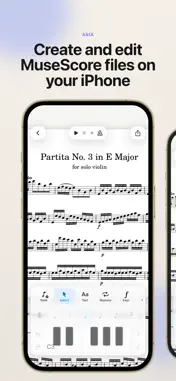
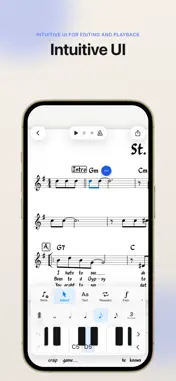
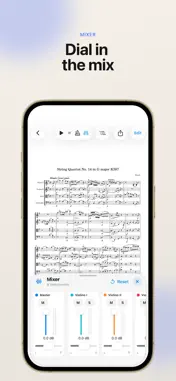
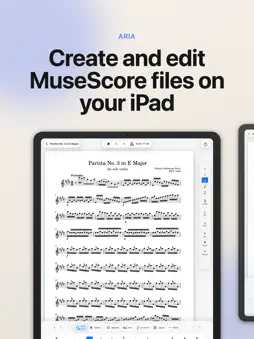
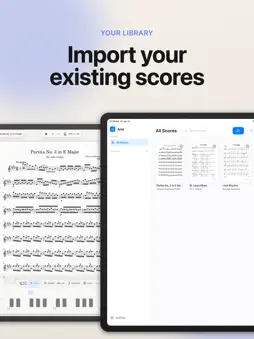
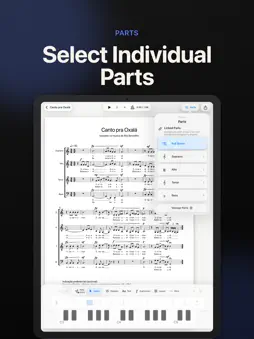
Aria is a notation editor for iPhone and iPad that lets you create, edit, and play back MuseScore files on the go. Open existing MuseScore and MusicXML files, make changes with intuitive touch-based notation controls, play back your score, organize your library, manage individual parts, and export your music when you’re ready to share. Built for musicians who want a lightweight, mobile-friendly way to review, create, and revise scores wherever they are. Features: * Open MSCZ and MusicXML score files * Create new scores from templates * Edit and enter notes with touch controls, Apple Pencil, or a MIDI controller * Play back scores locally * View and manage individual parts * Export and share your work as MSCZ, PDF, MusicXML, audio, and more. Aria is an independent app and is not affiliated with or endorsed by MuseScore, Muse Group, or any related project. Aria is open-source software licensed under the GNU GPLv3. Source code, license notices, and build instructions are available here: https://github.com/hdi200/aria
What's New
Version 7.5 2026-11-12
Metronome Practice Panel & Tempo Ramp Update Tapping the metronome now opens a new practice panel, so you can slow a piece down without changing it, and a temp...Metronome Practice Panel & Tempo Ramp Update Tapping the metronome now opens a new practice panel, so you can slow a piece down without changing it, and a tempo ramp speeds up a loop a little each time. New: - Playback & Practice. Tapping the metronome opens a new panel where you can turn the metronome on or off, set a practice speed and choose a count-in. - Practice speed. Play anywhere from 25% to 150% of the written tempo, with quick buttons for 50, 70, 85 and 100%. Tempo changes in the score still follow, and your score is never changed. Aria remembers the speed for each score. - Tempo ramp. Tap and drag to select a range of bars, then choose Tempo ramp. Set a starting speed, a target and how much to speed up, and Aria plays the loop a little faster each time until you reach your target. - Two-bar count-in. Choose a one- or two-bar count-in. It follows your practice speed. - Chord entry types as you go. Each key adds to the end of the chord, and you can erase one key at a time. Fixed: - The bottom line of a page, including the last line of the last page, no longer gets stuck behind the editing keyboard, and switching tools or undoing no longer makes the page jump. - Lyrics on the bottom line of a page no longer slide out of view while you type. - In landscape, tapping beside the page now turns it. - Chord mode no longer turns off when you select another note. - Editing a score no longer renames it in your library. - A key you chose in View mode is kept after you edit. - Adding a note to a chord no longer changes the note value shown. - Various bug fixes and improvements. Technical Analysis
Package Overview Basic metadata
Bundle ID
com.hdi200.ariascore Current Version 7.5
Minimum iOS 17
Package Size App Store Size
Package Metadata 0 / 0 version records
Detailed binary, privacy manifest, framework, and Info.plist results have not been indexed for this package yet. The verified App Store and archive metadata above remains available.
Known Version Records
0 version records with stored package metadata
Stored metadata does not guarantee a package is currently available to download.
| Details | Version / IDs | Version date | Action |
|---|