Preview





Description
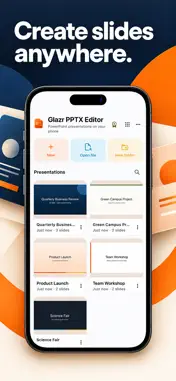
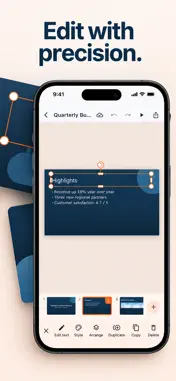
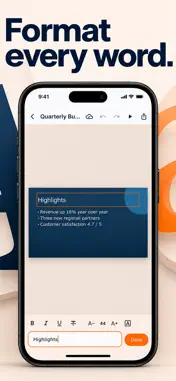
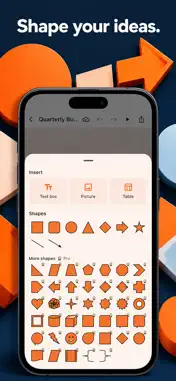
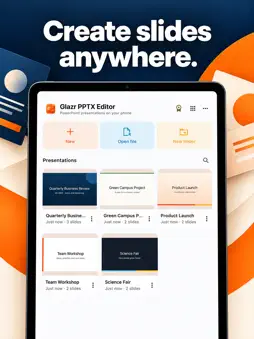
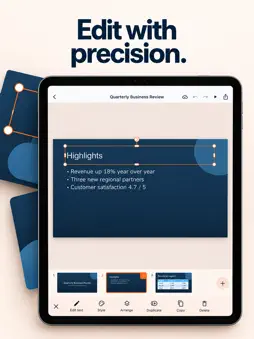
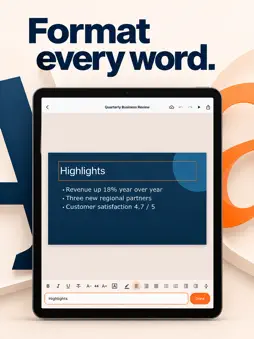
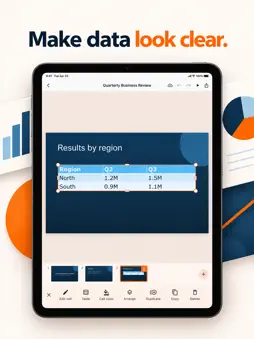
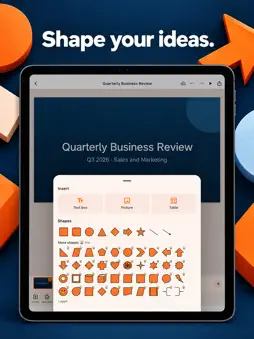
Glazr opens your PowerPoint presentations (.pptx) on your phone or tablet, lets you edit them, and saves them without breaking the parts you didn't touch. Share the file back and it still looks right in PowerPoint, Keynote and Google Slides. OPEN ANY PRESENTATION • Open .pptx and .ppsx files from your files, email, chat apps or "Open with" • Titles, layouts, theme colours and fonts, backgrounds, tables, charts, pictures and groups are shown as designed • Arabic and other right-to-left text is supported EDIT TEXT WITHOUT LOSING FORMATTING • Fix a word and the rest of the formatting stays • Bold, italic, underline, strikethrough, size, colour and highlight • Alignment, bullets, numbering, indent, line spacing and right-to-left paragraphs SHAPES, PICTURES AND TABLES • Add shapes, lines and arrows; change fill, outline, thickness and dashes • Insert pictures, replace them, crop them and set transparency • Insert tables, add or delete rows and columns, colour cells • Move, resize and rotate with snapping guides; flip, align, bring forward or send back • Copy, paste, duplicate, undo and redo SLIDES • Add slides from the presentation's own layouts • Duplicate, delete, hide and drag to reorder • Change a slide's layout or background (colour or picture) • Speaker notes NEW PRESENTATIONS • Start from a clean design in widescreen 16:9 or standard 4:3 • Right-to-left layout for Arabic presentations PRESENT AND SHARE • Full-screen slideshow with speaker notes; hidden slides are skipped • Share as PowerPoint or save a copy to your device • Export to PDF or the current slide as an image YOUR LIBRARY • Folders, search, rename, duplicate and move • Changes save automatically, all on your device • Presentations made with earlier versions of Glazr are kept GLAZR PRO (one-time purchase, no subscription) • No ads • 7 more presentation designs • 40 extra shapes • Merge table cells • Export all slides as images • PDF with speaker notes and PDF handouts (3 or 6 slides per page) Available in English, Arabic, French and German, with light and dark themes. Your presentations are processed on your device and are not uploaded.
What's New
Version 2.1 2026-10-27
Glazr 2.0 is rebuilt from the ground up: • Presentations keep their layout when you save and share them • Text edits keep the formatting • Tables, pictures with... Technical Analysis
Package Overview Basic metadata
Bundle ID
com.glazr.glazr-pptx-file-editor Current Version 2.1
Minimum iOS 15.0
Package Size App Store Size
Package Metadata 0 / 1 version records
Detailed binary, privacy manifest, framework, and Info.plist results have not been indexed for this package yet. The verified App Store and archive metadata above remains available.
Developer Information
Known Version Records
0 version records with stored package metadata • 1 known version records
Stored metadata does not guarantee a package is currently available to download.
| Details | Version / IDs | Version date | Action |
|---|---|---|---|
| Not archived | App Store ID: 881176571 | Unknown | Request Version |