
Preview


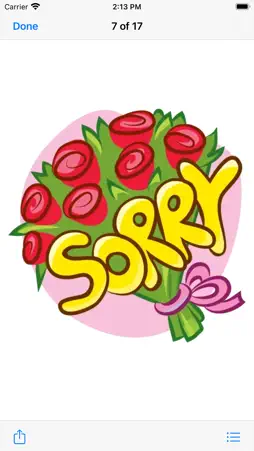


Description
High Quality daily use Stickers for your conversation. No need to typed of heavy text messages, just use these stickers pack (Expression/Reaction) to show your feelings and emotion. This pack sticker will enlighten up your iMessage conversations & take it to the next level! How to Use and Install: -To access iMessage apps, compose a new iMessage to a friend. -Tap the App Store icon alongside the compose field. -Tap the lower left corner along with camera to open the app drawer. - Select your's Stickers app . - Just with a single tap send stickers. How to remove sticker packs from iMessage: 1. Open the iMessages app on your iPhone. 2. Scroll right on the list of apps above the keyboard till you see the More … button. 3. Scroll down and find the sticker pack you want to remove. 4. Delete App: swipe left on the sticker pack and Delete it 5. Tap the Edit button on the top-left. 6. Now you can reorder the sticker packs and also hide the sticker pack by switch button Email at: [email protected]
Technical Analysis
Package Overview Basic metadata
Bundle ID
com.hafsasoft.ChatReaction Current Version 1.0
Minimum iOS 11.0
Package Size App Store Size
Package Metadata 0 / 1 version records
Detailed binary, privacy manifest, framework, and Info.plist results have not been indexed for this package yet. The verified App Store and archive metadata above remains available.
Known Version Records
0 version records with stored package metadata • 1 known version records
Stored metadata does not guarantee a package is currently available to download.
| Details | Version / IDs | Version date | Action |
|---|---|---|---|
| Not archived | App Store ID: 862290320 | Unknown | Request Version |