
Preview


Description
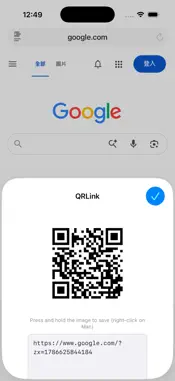
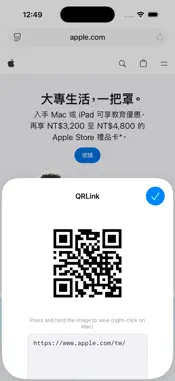
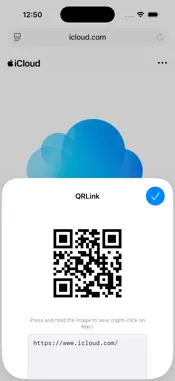
QRLink turns the page you're reading into a QR code — instantly. Open the QRLink popup from Safari's toolbar and it reads the current tab's address and shows a scannable QR code right away. Point another phone at it, share a link across the room, or save the image to use anywhere. FEATURES • Instant QR code for the current page • Edit the text and the code updates live as you type • Press and hold to save the QR image (right-click on Mac) • Works on iPhone, iPad, and Mac • Private by design — everything runs on your device, with no accounts, servers, or tracking • No third-party libraries; the QR engine is written from scratch HOW TO ENABLE 1. Open Safari Settings → Extensions 2. Turn on QRLink 3. Tap the QRLink icon in the toolbar and allow access to the website QRLink never collects or transmits your data.
What's New
Version 1.1 2026-09-15
• QRLink is now available in 5 languages (English, Traditional Chinese, Simplified Chinese, Japanese, Korean) and follows your device language — switch anytime ...• QRLink is now available in 5 languages (English, Traditional Chinese, Simplified Chinese, Japanese, Korean) and follows your device language — switch anytime in the app. • Minor improvements and bug fixes. Technical Analysis
Package Overview Basic metadata
Bundle ID
com.peteryang.QRLink Current Version 1.1
Minimum iOS 15.0
Package Size App Store Size
Package Metadata 0 / 0 version records
Detailed binary, privacy manifest, framework, and Info.plist results have not been indexed for this package yet. The verified App Store and archive metadata above remains available.
Developer Information
Known Version Records
0 version records with stored package metadata
Stored metadata does not guarantee a package is currently available to download.
| Details | Version / IDs | Version date | Action |
|---|