
Preview





Description
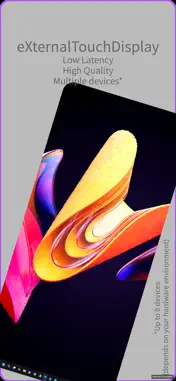
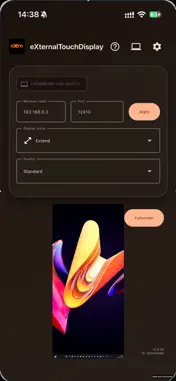
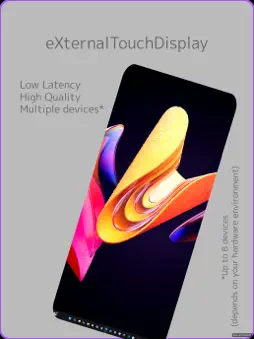
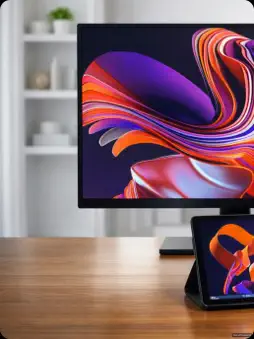
Turn your tablet/smartphone into a touch-enabled secondary display for your PC. This is useful when you want more desktop space, need to control your device during a presentation, or want to quickly add a secondary monitor. Connect via Wi-Fi and control directly from your tablet using touch controls. eXternalTouchDisplay Features and Characteristics 01. Function Overview ■ Use tablets and smartphones as external displays for your PC ■ Extend and duplicate your desktop ■ Direct touch operation from your tablet ■ Supports full-screen display and screen rotation 02. Applications ■ Ideal for meetings, presentations, work monitors, and control panels 03. Features ■ Automatic receiver detection for easy connection ■ Supports up to 8 tablets* ■ Supports Wi-Fi connection ■ Low-latency video streaming via WebRTC ■ Multilingual UI including Japanese and English ■ No ads (in-app purchases and subscriptions available) *Depends on your hardware environment 04. How to Use 1. Install and launch the driver application (eXTDDriver) on your PC (Download: https://github.com/hamster-works/eXTD). 2. Launch eXternalTouchDisplay using the mobile/tablet app.
What's New
Version 0.8.63 2026-11-21
Performance Improvement Technical Analysis
Package Overview Basic metadata
Bundle ID
com.hsworks.externaltouch Current Version 0.8.63
Minimum iOS 15.0
Package Size App Store Size
Package Metadata 0 / 0 version records
Detailed binary, privacy manifest, framework, and Info.plist results have not been indexed for this package yet. The verified App Store and archive metadata above remains available.
Developer Information
Known Version Records
0 version records with stored package metadata
Stored metadata does not guarantee a package is currently available to download.
| Details | Version / IDs | Version date | Action |
|---|