Preview





Description
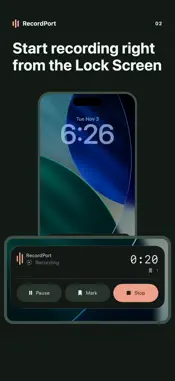
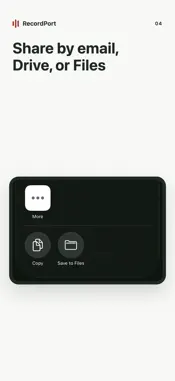
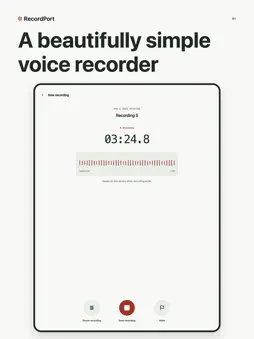
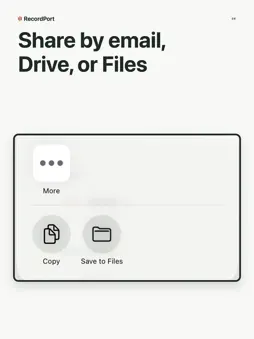
A beautifully simple voice recorder It records the way a recorder should, and keeps every useful extra neatly in its place. Start recording from the Lock Screen, Control Center, or the Action Button on iPhone. Lock Screen and Control Center controls require iOS 18 or later; the Action Button requires a supported iPhone. Microphone permission is required. While you record, the Lock Screen Live Activity on iPhone shows the elapsed time, with pause, mark, and stop close at hand. Mark a point in a lecture or meeting as you record, then go straight back to it in playback. When you send a recording by email, your marks are listed in the message. Send a recording by email, or save it to Drive or Files from the share sheet. Pause and resume as often as you need, then play back with seek, 15-second skip, and adjustable speed. Recently Deleted keeps recordings for 30 days, so a mistaken delete can be undone. Your recordings are saved on your phone, with no account, no subscription, and no ads. The App Store privacy label for RecordPort reads Data Not Collected. RecordPort is available in English, Korean, Japanese, Chinese, and Spanish, and supports dark mode.
What's New
Version 1.6.1 2026-11-04
Start recording in one tap from the Lock Screen, Control Center, the Action Button, or a widget. Mark moments while recording, return to them in playback, and f... Technical Analysis
Package Overview Basic metadata
Bundle ID
works.flowlab.recordport Current Version 1.6.1
Minimum iOS 16.4
Package Size App Store Size
Package Metadata 0 / 0 version records
Detailed binary, privacy manifest, framework, and Info.plist results have not been indexed for this package yet. The verified App Store and archive metadata above remains available.
Developer Information
Known Version Records
0 version records with stored package metadata
Stored metadata does not guarantee a package is currently available to download.
| Details | Version / IDs | Version date | Action |
|---|