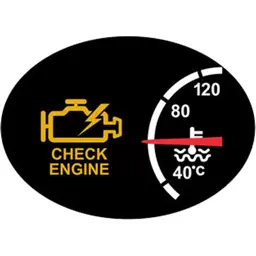
Preview
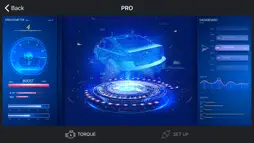

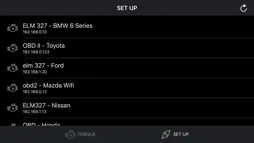
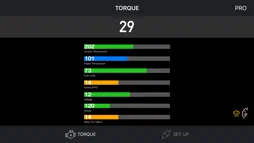




Description
Connect to your car, it will be so easy to communicate with your car and read what's your car doing in real time. Instructions: - Locate the OBD 2 port: get to know where the OBD 2 connection port is located. This is usually found somewhere below the drivers’ seat. - Turn on the car engine: Although the OBDII port is providing power to the scanner, in some cases you will not be able to retrieve any engine data without the engine running. - Open app: Click "SCAN" to get list OBDII / OBD2 / ELM327 devices list via wifi and select. (Make sure you connect correct device - default is 192.168.0.10 or 192.168.0.123) Support OBDII protocols: ISO15765-4 (CAN), ISO14230-4 (KWP2000), ISO9141-2, J1850 VPW, J1850 PWM
Technical Analysis
Package Overview Basic metadata
Bundle ID
com.torque.obd Current Version 1.9.1
Minimum iOS 9.0
Package Size App Store Size
Package Metadata 1 / 1 version records
Detailed binary, privacy manifest, framework, and Info.plist results have not been indexed for this package yet. The verified App Store and archive metadata above remains available.
Known Version Records
1 version record with stored package metadata
Stored metadata does not guarantee a package is currently available to download.
| Details | Version / IDs | Version date | Action |
|---|---|---|---|
| 49.42 MB | v1.9.1 App Store ID: 832289585Build: 1.9.1 | 2019-08-08 09:00:00 | Paid / Arcade |