
Preview





Description
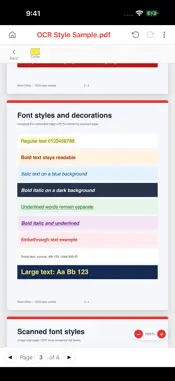
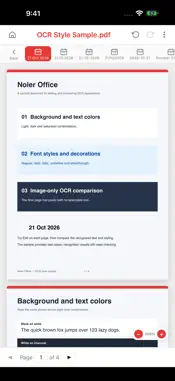
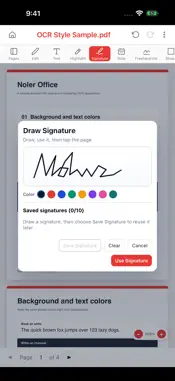
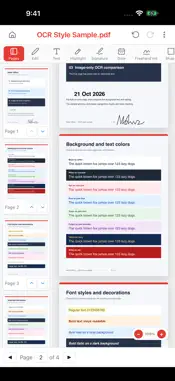
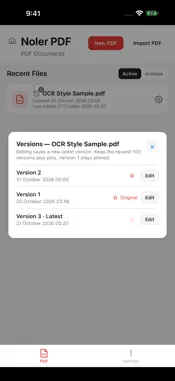
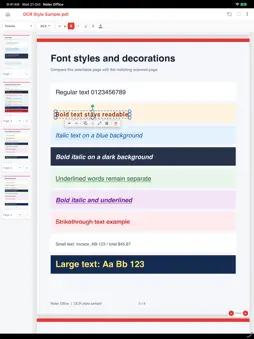
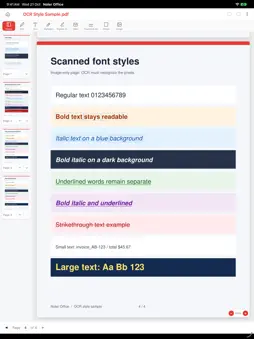
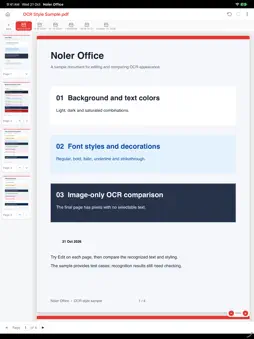
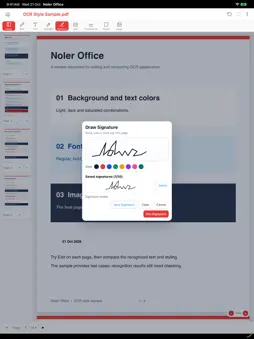
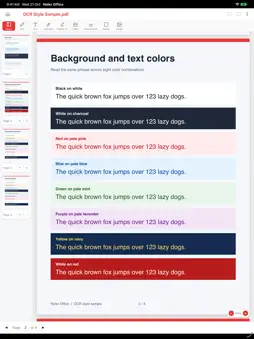
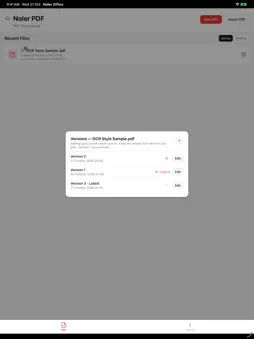
Noler Office is a PDF editor for phone and tablet, with on-device OCR and inline text correction. SELECT A REGION, EDIT IN PLACE Open a PDF, tap Edit and drag over the text you want to change. Release to recognize that region on your device, then tap a recognized line and type directly on the page. Text and background colors, size and style are estimated; exact original-font recovery is not promised. TRY THE INCLUDED OCR SAMPLE OCR Style Sample.pdf includes colored backgrounds, colored text, bold, italic, underlined and struck-through text. Its fourth page is an image-only scan, so you can try OCR without an existing selectable text layer. MARK UP AND COMPLETE PDFs Drag highlights over any page, including scans. Add images, text, shapes, handwritten signatures, freehand ink and dates. Move, resize, duplicate and layer objects, fill supported forms, and use undo and redo. WORK WITH LONG DOCUMENTS Page rendering and thumbnail resources load near the viewport. The Pages sidebar keeps a bounded window of cards as you scroll, rather than mounting a card for every page. Performance depends on the document and your device. KEEP AN EDITABLE ORIGINAL Close and reopen your PDF to keep editing. Document history retains the newest 100 revisions, pinned revisions and the permanent original. Export or share a separate delivery copy while preserving the editable original. PRIVATE BY DESIGN PDF editing and OCR run locally without a Noler processing server. Optional backup uses your own iCloud or Google Drive. No Noler account, advertising, subscription or in-app purchase is required.
Technical Analysis
Package Overview Basic metadata
Bundle ID
com.noler.office Current Version 1.0.30
Minimum iOS 17.0
Package Size App Store Size
Package Metadata 0 / 0 version records
Detailed binary, privacy manifest, framework, and Info.plist results have not been indexed for this package yet. The verified App Store and archive metadata above remains available.
Developer Information
Known Version Records
0 version records with stored package metadata
Stored metadata does not guarantee a package is currently available to download.
| Details | Version / IDs | Version date | Action |
|---|