
Preview





Description
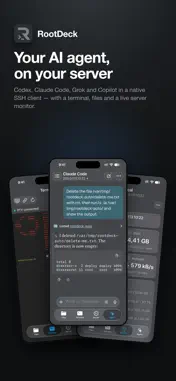
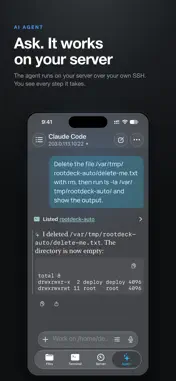
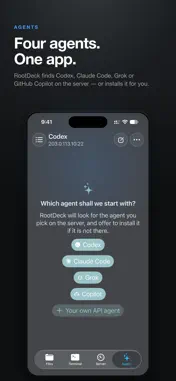
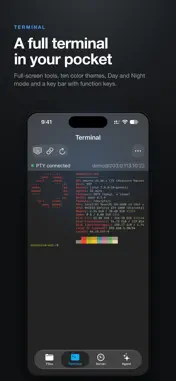
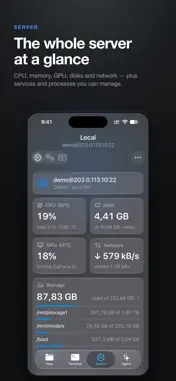
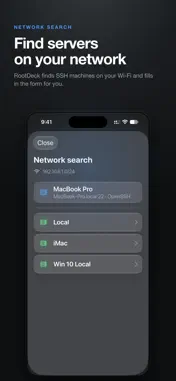
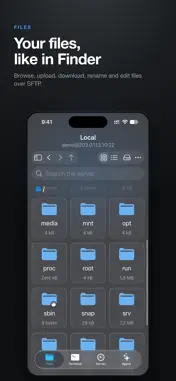
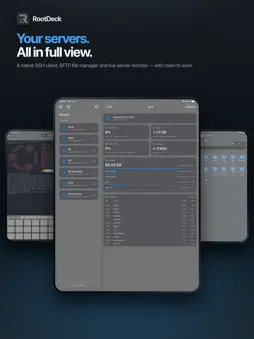
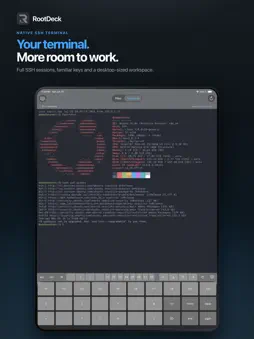
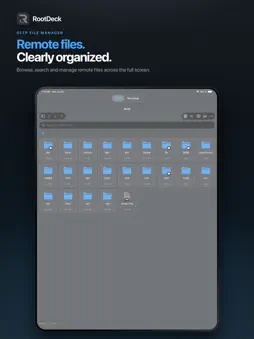
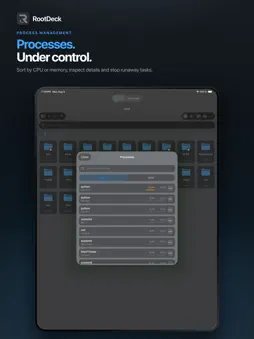
RootDeck is a fast, secure SSH and SFTP client for iPhone and iPad: a terminal, file manager, server dashboard and AI agent for the servers you already own. Connect to your servers directly — no RootDeck account and no cloud in between. Built for developers, sysadmins and DevOps who need their infrastructure on the go. AI AGENT ON YOUR SERVER • Chat with Codex, Claude Code, Grok or GitHub Copilot running on your own server, or with your own API agent for any OpenAI-compatible provider. • Install the agent and sign in without leaving the app. Choose the model and how hard it thinks. • Decide what the agent may do: read only, the working folder, Auto with a reviewer model, or full access — and approve requests as they come. • Add MCP connectors from the catalog, attach files and photos, and dictate — speech is recognized on the device. • Follow background tasks and your account's usage limits, and sign out to switch accounts. SERVER AND TERMINAL • SSH terminal with ten color themes, Day and Night mode, cursor styles and a key bar with function keys. • Inline command suggestions — RootDeck never runs them on its own. • Server dashboard: CPU, memory, disks, network, services and processes. • Live logs with pause, filtering and links. FILES • SFTP file browser: upload, download, copy, move, rename and delete. • Built-in text editor, file details and permissions. CONNECTIONS • Password and SSH key authentication, jump hosts. • Host key verification against man-in-the-middle attacks. • Find SSH servers on your local network. • Optional: keep your session alive when you switch apps, with a connection card on the Lock Screen. • Linux, macOS and Windows OpenSSH servers. PRIVACY Credentials stay in Apple Keychain. SSH traffic goes straight between your device and your servers; the AI agent talks to its provider from your server, and API keys stay there. RootDeck collects no analytics, and none of our servers sit in the path. Available in English, Russian and Simplified Chinese.
What's New
Version 1.2.0 2026-10-24
RootDeck 1.2.0 brings an AI agent to your own server, finds servers on your local network, keeps your session alive when you switch apps, and adds terminal them... Technical Analysis
Package Overview Basic metadata
Bundle ID
com.Bossho.RootDeck Current Version 1.2.0
Minimum iOS 17.0
Package Size App Store Size
Package Metadata 0 / 0 version records
Detailed binary, privacy-manifest, framework, and Info.plist results have not been indexed for this package yet. The verified App Store and archive metadata above remains available.
Known Version Records
0 version records with stored package metadata
Stored metadata does not guarantee a package is currently available to download.
| Details | Version / IDs | Version date | Action |
|---|