
Preview


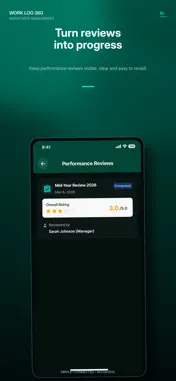

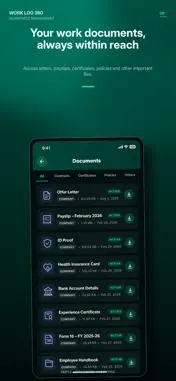

Description
This is a B2B workforce management app. DEMO ACCOUNT (Mobile App): - Company Code: DEMO001 - Email: [email protected] - Password: Demo@2026 ADMIN PANEL (Web): - URL: https://getworklog360.com - Email: [email protected] - Password: Demo@2026 SETUP INSTRUCTIONS FOR REVIEWER: 1. Log into the Admin Panel at https://getworklog360.com with [email protected] / Demo@2026 2. Go to Settings → Check-in Settings 3. Set Check-in Method to "GPS Only" or WIFI only 4. Under GPS/Location Settings: - Click "Test My Location" to get your current latitude and longitude - Paste those values into Office Latitude and Office Longitude fields - Set Check-in Radius to 5000 meters - add your WIFI SSID 5. Under Additional Settings: - Turn ON "Allow Check-in" - Turn OFF "Require Photo on Check-in" - Turn OFF "Require QR Code Validation" 6. Click Save 7. Open the mobile app and log in with the demo staff account to test check-in. NOTE: Face registration is require for verification more information is in the document attached.
What's New
Version 1.0.1 2026-09-10
Bug fixes, change app screenshot and performance improvements including push notification support. Technical Analysis
Package Overview Basic metadata
Bundle ID
com.worklog360 Current Version 1.0.1
Minimum iOS 15.1
Package Size App Store Size
Package Metadata 0 / 0 version records
Detailed binary, privacy manifest, framework, and Info.plist results have not been indexed for this package yet. The verified App Store and archive metadata above remains available.
Developer Information
Known Version Records
0 version records with stored package metadata
Stored metadata does not guarantee a package is currently available to download.
| Details | Version / IDs | Version date | Action |
|---|