Preview







Description
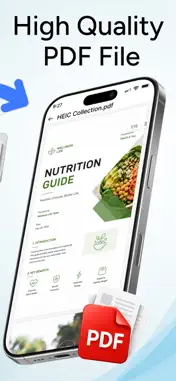
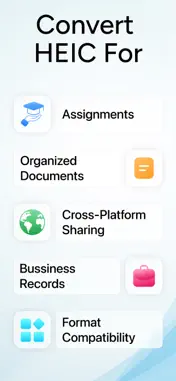
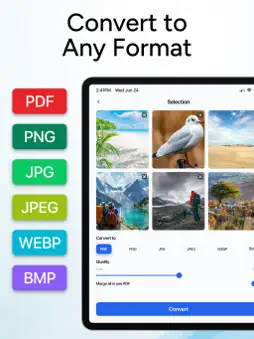
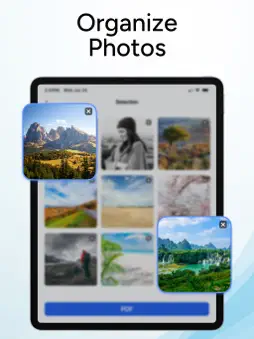
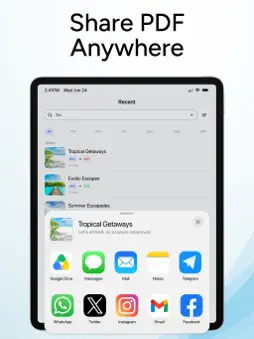
HEIC to PDF converter to turn HEIC images into high-quality PDF files. HEIC to PDF converter supports multiple formats, allowing you to convert HEIC images to JPG, PNG, JPEG, PDF, WEBP, and BMP. No need to waste time searching for different apps, as this HEIC converter supports all major conversion formats in one place. Use it for your business needs or personal file conversions. Batch HEIC Images: You can convert multiple HEIC photos into a single, multi-page PDF document. This HEIC converter app is highly practical for creating photo albums and submitting expense reports. Multi‑Format Support Convert HEIC images into the formats you need: JPG, JPEG, PNG, PDF, BMP, and WEBP. Share photos, create documents, or prepare images for any platform. Get every format you need in one place. Key features of the HEIC to PDF converter: - Create high-quality PDF documents: Adjust the image quality to convert the PDF files. - Batch conversion support: Convert multiple HEIC photos at once with a single tap. - Multiple format conversion support: Convert your HEIC to JPG, PDF, PNG, JPEG, WEBP, and BMP. - Merge HEIC images: Combine multiple HEIC photos into one PDF file. Convert HEIC photos, scanned documents, receipts, invoices, notes, reports, certificates, assignments, and more. Organized the multiple images into one document with HEIC converter. How to convert HEIC to PDF? - Select one or multiple HEIC images from your device. - Choose your desired format: PDF, JPG, PNG, JPEG, WEBP, or BMP. - Select the quality level that suits your needs. - Tap the Convert button to start the conversion. - Once the conversion is complete, you can save and share the files. - For PDF conversions, you can also merge multiple PDFs into a single document. Disclaimer: This HEIC to PDF converter is completely independent and not linked to any third party: all processes remain secure. This HEIC converter is designed to help users convert HEIC images easily. For any inquiries, please contact us at: [email protected] Privacy Policy https://theonlineconverter.com/privacy-policy Terms of Service https://theonlineconverter.com/terms
Technical Analysis
Package Overview Basic metadata
Bundle ID
com.heic.to.pdf.converter.convert.photos Current Version 1.0
Minimum iOS 15.6
Package Size App Store Size
Package Metadata 0 / 0 version records
Detailed binary, privacy manifest, framework, and Info.plist results have not been indexed for this package yet. The verified App Store and archive metadata above remains available.
Developer Information
Known Version Records
0 version records with stored package metadata
Stored metadata does not guarantee a package is currently available to download.
| Details | Version / IDs | Version date | Action |
|---|