Preview



Description
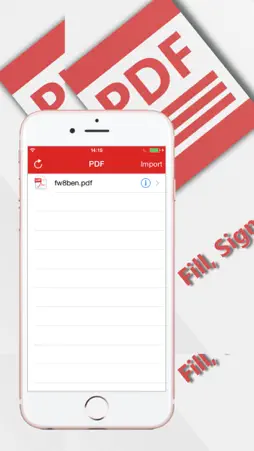
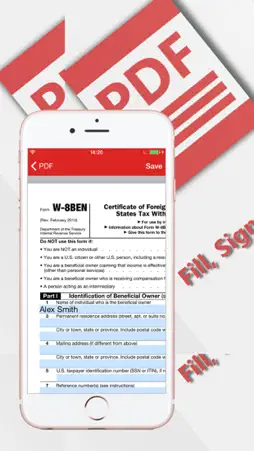
With PDF Fill and Sign any Document you have the opportunity to complete, sign and send to print a PDF document of any complexity. How the PDF Fill and Sign any Document application works: - Download a PDF document from Dropbox or from your computer using iTunes - Open the PDF document in the Editor - Fill in and sign the PDF document - After editing and filling in the fields, save the document - To transmit the document in another application or to print it, use the notifications center PDF Fill and Sign any Document doesn’t insert changes to the original document, but makes a copy while saving it.
What's New
Version 10 2016-10-30
- Bugs fixes - Interface improvement - Expanded functionality - New iOS version support Technical Analysis
Package Overview Basic metadata
Bundle ID
com.viphone.PdfFiller Current Version 10
Minimum iOS 8.4
Package Size App Store Size
Package Metadata 0 / 4 version records
Detailed binary, privacy manifest, framework, and Info.plist results have not been indexed for this package yet. The verified App Store and archive metadata above remains available.
Developer Information
Known Version Records
0 version records with stored package metadata • 4 known version records
Stored metadata does not guarantee a package is currently available to download.
| Details | Version / IDs | Version date | Action |
|---|---|---|---|
| Not archived | App Store ID: 841567229 | Unknown | Paid / Arcade |
| Not archived | App Store ID: 818297715 | Unknown | Paid / Arcade |
| Not archived | App Store ID: 817833123 | Unknown | Paid / Arcade |
| Not archived | App Store ID: 816581282 | Unknown | Paid / Arcade |