
Preview








Description
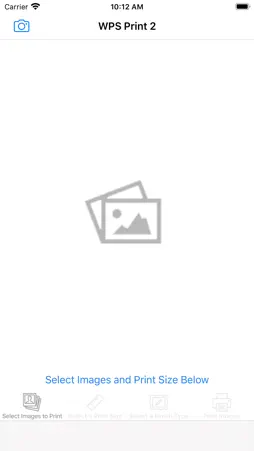
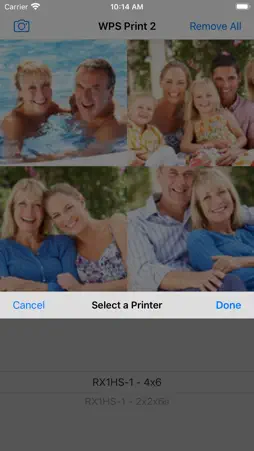
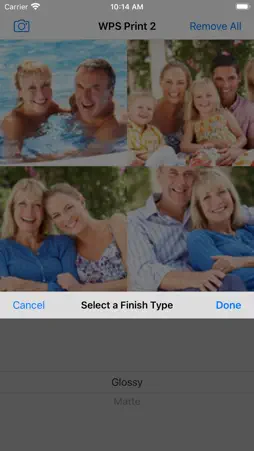
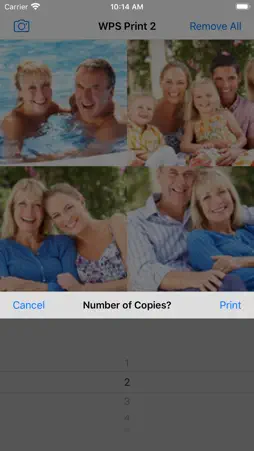
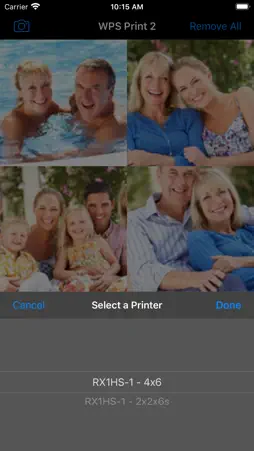
Print great-looking photos directly from your iPhone with the same professional quality available in national photo retailers! Using DNP’s professional photo printers and the DNP Wireless Print Server (WPS), you can choose photos from your Camera Roll or use the Camera to take a picture and instantly print it. In addition, WPS Print becomes an option in the iOS ‘share’ feature allowing you to print directly from the many photo apps that support standard iOS sharing, just as easily as adding photos to a message, email or other sharing options. Using the DNP Wireless Print Server: When connected to one or two DNP printers, the WPS will create a wireless network access point and will offer multiple photo print sizes to that network (based upon what printers are connected and what size media is loaded and enabled in the printers). With your iPhone connected to the WPS network, the WPS Print app will automatically detect what print sizes are available and allow you to select any of these sizes when you print. You can also select any number of copies between 1 to 5. Print Sizes: Depending on which DNP printers are attached to the WPS and what size media is loaded in the printers, you can select from many print size options, including: 4x6, 5x7, 6x8, 6x9, 8x10, 8x12, 5x5, 6x6, 8x8, 2x6, 3.5x5, 4.5x6, 4x8, 5x8, 5x8, A4 Supported Printers: DSRX1, DSRX1HS, DS40, DS80, DS620/DS620A, DS820/DS820A. Supported iOS Versions: iOS 12,13 Works with the WPS-1 and the Wireless Print Server (WPS) Pro
What's New
Version 1.7 2020-04-23
Dark Mode support, minor improvements Technical Analysis
Package Overview Basic metadata
Bundle ID
com.dnp.iam.wpsprinttwo Current Version 1.7
Minimum iOS 12.0
Package Size App Store Size
Package Metadata 1 / 10 version records
2.2 / 5.0 (5 ratings)
Detailed binary, privacy manifest, framework, and Info.plist results have not been indexed for this package yet. The verified App Store and archive metadata above remains available.
Developer Information
Known Version Records
1 version record with stored package metadata • 10 known version records
Stored metadata does not guarantee a package is currently available to download.
| Details | Version / IDs | Version date | Action |
|---|---|---|---|
| 3.65 MB | v1.7 App Store ID: 835653207Build: 1.7 | 2020-04-23 12:04:16 | Get Version |
| Not archived | App Store ID: 835351252 | Unknown | Request Version |
| Not archived | App Store ID: 834842417 | Unknown | Request Version |
| Not archived | App Store ID: 833769472 | Unknown | Request Version |
| Not archived | App Store ID: 832439864 | Unknown | Request Version |
| Not archived | App Store ID: 830954087 | Unknown | Request Version |
| Not archived | App Store ID: 822729099 | Unknown | Request Version |
| Not archived | App Store ID: 818112530 | Unknown | Request Version |
| Not archived | App Store ID: 814432545 | Unknown | Request Version |
| Not archived | App Store ID: 813848172 | Unknown | Request Version |