Preview








Description
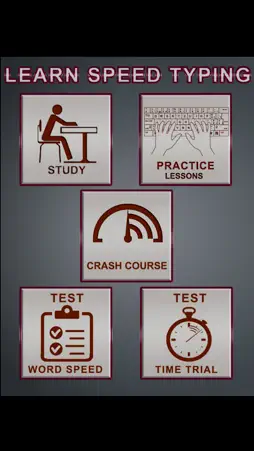
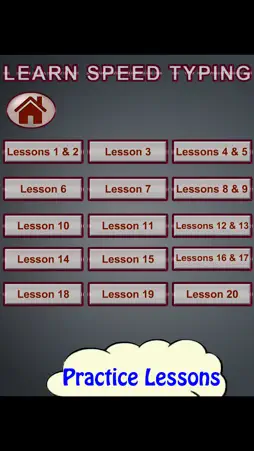
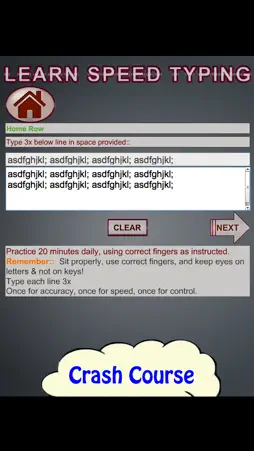
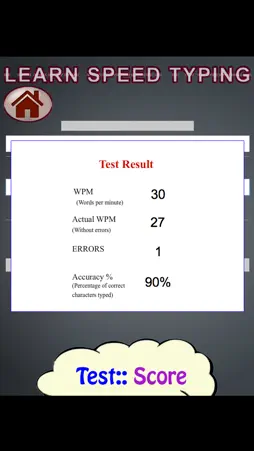
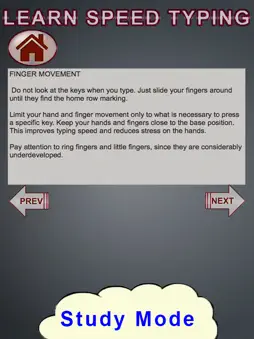
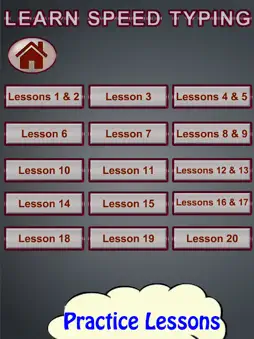
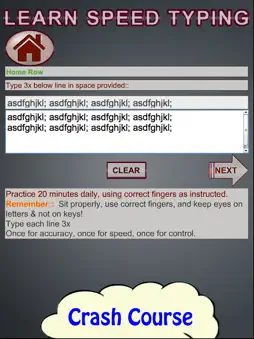
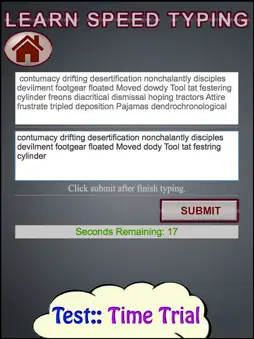
Speed Typing help all ages to learn how to touch type faster. Touch typing or touch keyboarding is typing without using the sense of sight to find the keys. Specifically, a touch typist will know their location on the keyboard through muscle memory. Learners can choose between learning how to type, practice your touch typing skills, crash course for quick learning or taking a test to test their typing speed. In all cases, instruction is provided in a fun, visual format utilizing an intuitive touch interface. Complete with practice lessons and tests included within application, you’ll be able to gain 60+ WPM or higher can be achieved. Designed for all ages. Speed Typing in interactive way develop high-speed typing. STUDY:: Learners learn placement of fingers position on keyboard, movement of fingers to hit a particular letter/number/punctuation and precautions to be taken while typing to accurately and practically intuitively type the right text. Learn basic till advanced touch typing skills - capitalization, punctuation and number row. PRACTICE LESSONS & CRASH COURSE:: Typing speed generally improves with practice. All practice lessons and tests included within application, which means you won't need to go out of the course for practice. Keep your focus on accuracy and speed will come with time and practice. Starting with the middle keyboard line, this course will take you through all the 3 keyboard lines, numbers, and punctuation which helps you remember their location on the buttons which finally make learner gain basic till advanced touch typing & speed skills. Two different modes practice mode and crash course encouraging all ages to learn. INTERACTIVE QUIZ:: Learner can put their skills to test with the all new Speed Typing! A test of speed and precision, challenges you to prove and sharpen your texting abilities. Improve your typing speed and accuracy. Play through 2 different modes! 1. Word Speed 2. Time Trial •Practice Mode and Test Mode to learn how to type faster, practice your touch typing skills, take typing speed test with this Speed Typing. •Time-saving ways to learn speed touch typing; A wonderful education game with the purpose of development of high-speed typing which can be very useful skill in work or study! •Learners completing the course will have the expertise to be able to type fast. •Speed Typing is educational which is also fun to play. •Education learning game for all ages.
What's New
Version 1.0.6 2026-10-31
Exciting Update Alert! Learn Speed Typing for iPhone, iPad, and Mac has been revamped! Get ready to take your typing skills to the next level with the latest u... Technical Analysis
Package Overview Basic metadata
Bundle ID
net.digigalaxy.typing Current Version 1.0.6
Minimum iOS 26.6
Package Size App Store Size
Package Metadata 0 / 4 version records
Detailed binary, privacy manifest, framework, and Info.plist results have not been indexed for this package yet. The verified App Store and archive metadata above remains available.
Developer Information
Known Version Records
0 version records with stored package metadata • 4 known version records
Stored metadata does not guarantee a package is currently available to download.
| Details | Version / IDs | Version date | Action |
|---|---|---|---|
| Not archived | App Store ID: 869311607 | Unknown | Paid / Arcade |
| Not archived | App Store ID: 860215624 | Unknown | Paid / Arcade |
| Not archived | App Store ID: 852378822 | Unknown | Paid / Arcade |
| Not archived | App Store ID: 831940719 | Unknown | Paid / Arcade |