
Preview




Description
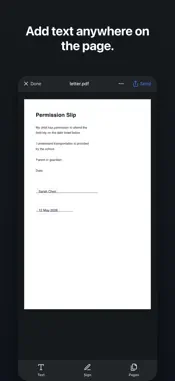
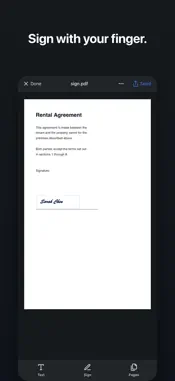
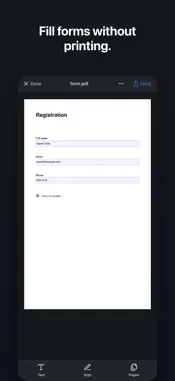
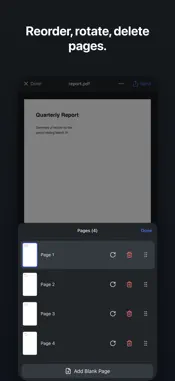
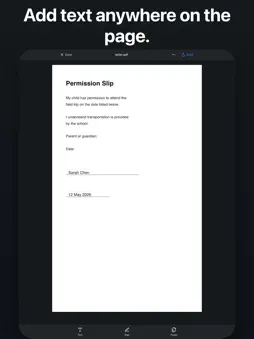
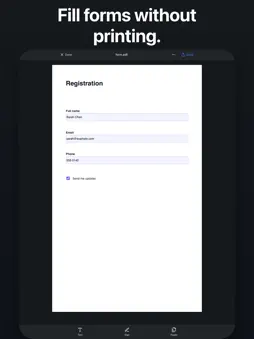
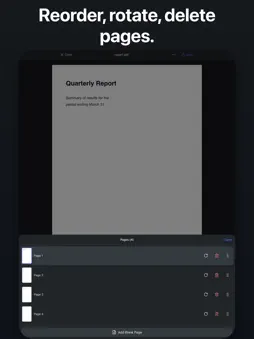
Simple PDF editor for iPhone and iPad. Scan a paper document with your camera, or open a PDF from Files, Mail, or any app. Add text, sign it, fill in the form — then send it back. No subscription. No cloud. No account. One purchase covers iPhone, iPad, and Mac. Works fully offline. —— WHAT YOU CAN DO —— • Scan paper documents with the camera — several pages become one PDF. • Open PDFs from Files, Mail, Messages, or any app that can share. • Add text anywhere on the page — type it, then place it with your finger. • Sign with your finger — draw, type, or reuse a saved signature. • Fill existing PDF forms — text fields, checkboxes and dropdowns, detected automatically. • Reorder, rotate, delete and add pages. • Send the finished PDF anywhere — Files, Mail, Messages, or another app. —— MADE FOR YOUR THUMB —— Open a document. Tap what you want to change. That's it. No tutorial, no nested menus, nothing to set up. —— PRIVATE BY DESIGN —— Everything happens on your device. Your documents are never uploaded, and there is no account to create. —— WHO IT'S FOR —— • Anyone who needs to sign a form and send it back, right now • Freelancers and consultants signing contracts on the move • Parents filling in school and medical forms • Anyone tired of paying every month just to edit a PDF —— ABOUT ADDTOPDF —— Made by Mantra Factory — a small studio building simple, honest apps that respect your time. Pay once, use it forever. Requires iOS 14 or later. Works on iPhone and iPad.
Technical Analysis
Package Overview Basic metadata
Bundle ID
com.addtopdf.desktop Current Version 1.0
Minimum iOS 14.0
Package Size App Store Size
Package Metadata 0 / 0 version records
Detailed binary, privacy manifest, framework, and Info.plist results have not been indexed for this package yet. The verified App Store and archive metadata above remains available.
Known Version Records
0 version records with stored package metadata
Stored metadata does not guarantee a package is currently available to download.
| Details | Version / IDs | Version date | Action |
|---|