
Preview


Description
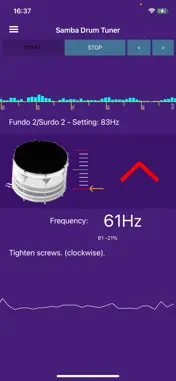
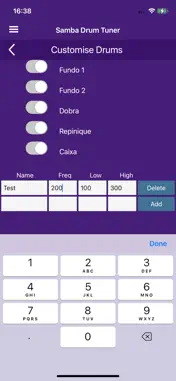
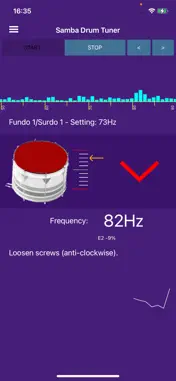
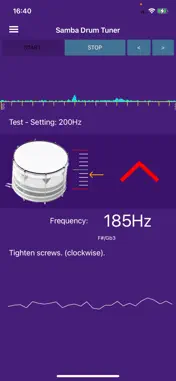
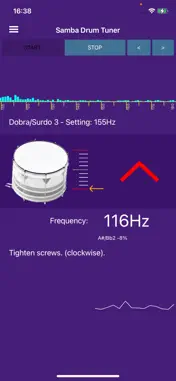
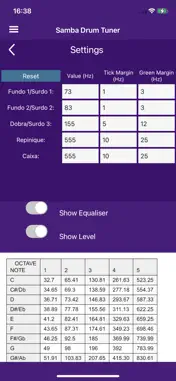
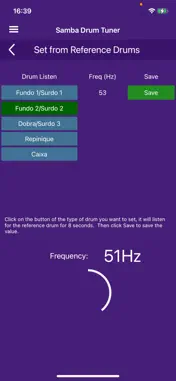
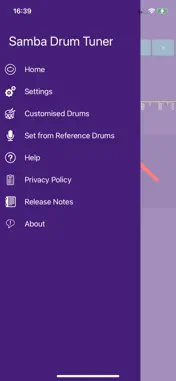
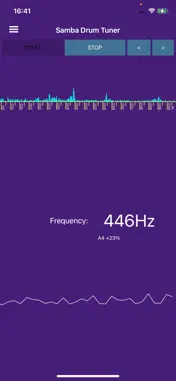
It cuts down the frequencies detected to eliminate overtones, which can confuse tuning. This makes it easier to tune drums, especially with the lower frequencies. To start tuning hit '>' to select the drum required and hit 'Start'. This will show the loudest frequency detected and an icon indicating whether to tune up or down. A green tick indicates it is correctly tuned, green up or down arrow indicates the drum is close, red arrows indicate it is further out. An arrow up means tighten the screws on the drum to make a higher note, an arrow down means loosen the screws on the drum to make a lower note. The frequency detected will be in the particular range shown. There is also a full range frequency detector. Hold your phone close to the drum when listening, if there is too much background noise it will interfere with the tuning. From the menu go to 'Settings' to change the frequency and note to tune to for each drum, if required. The defaults are just for reference and may be changed. From the menu go to 'Customised Drums' to add new drums or hide default ones.
Technical Analysis
Package Overview Basic metadata
Bundle ID
com.dwbcomputing.sambadrumtuner Current Version 3.0
Minimum iOS 13.0
Package Size App Store Size
Package Metadata 1 / 1 version records
Detailed binary, privacy manifest, framework, and Info.plist results have not been indexed for this package yet. The verified App Store and archive metadata above remains available.
Known Version Records
1 version record with stored package metadata
Stored metadata does not guarantee a package is currently available to download.
| Details | Version / IDs | Version date | Action |
|---|---|---|---|
| 44.24 MB | v3.0 App Store ID: 878076781Build: 3.0 | 2025-10-17 09:00:00 | Paid / Arcade |