
Preview




Description
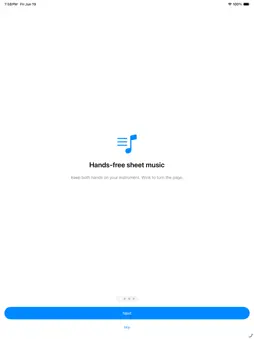
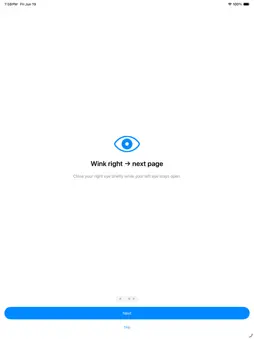
I built Wink because I kept losing my place at busy page turns. Now my hands stay on the keys and a quick wink turns the page. How it works: Wink your right eye to go forward. Wink your left eye to go back. A normal blink does nothing, because both eyes close at once. Manual arrows and a horizontal swipe are always there if your hands are free. Note: Remember to calibrate your winks (Library -> Three Dots -> Calibrate Wink) Wink uses Apple's face tracking on the front camera. It reads two values per frame, one per eye, representing how closed each eye is. No video is saved, no audio is recorded, and nothing leaves your phone or iPad. The camera is only active while a piece is open. Import sheet music from Files, the Photo Library, or by taking pictures of physical pages with the camera. Group pieces into setlists for a recital or service, and the next piece opens automatically when you finish the last page. If left and right feel swapped, there is a quick calibration step. If the default sensitivity feels off, switch between Responsive and Balanced, or set your own thresholds. Wink runs on any iPhone or iPad with a TrueDepth front camera. No account, no subscription, no ads.
Technical Analysis
Package Overview Basic metadata
Bundle ID
l-triomino.Wink Current Version 1.0
Minimum iOS 18.6
Package Size App Store Size
Package Metadata 0 / 0 version records
Detailed binary, privacy manifest, framework, and Info.plist results have not been indexed for this package yet. The verified App Store and archive metadata above remains available.
Known Version Records
0 version records with stored package metadata
Stored metadata does not guarantee a package is currently available to download.
| Details | Version / IDs | Version date | Action |
|---|