
Preview


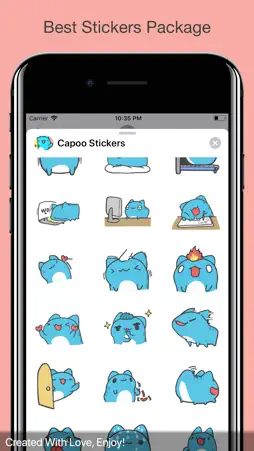



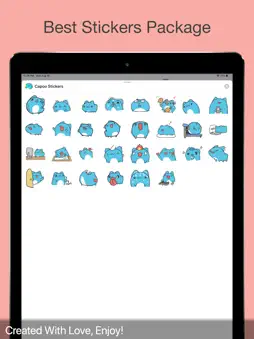

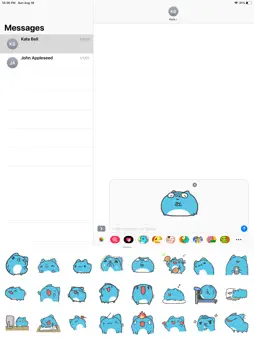

Description
Welcome to the lovely Capoo stickers. Get ready to some chatting with your friends and your lovely ones. Have Fun! HOW TO USE: ● Step 1: Open a message with a companion and tap the ">" catch to one side of the content box. ● Step 2: Tap the application catch that shows up (it would seem that "An") and afterward taps the catch that resembles four circles in the lower left of your screen to open the iMessage application cabinet. ● Step 3: Tap the symbol of this Sticker Pack and begin sending stickers! TIPS AND TRICKS: ● Tap the sticker you need, or DRAG and DROP one into your message. ● You can Scale and Rotate stickers by utilizing a second finger before you place it on an air pocket.
Technical Analysis
Package Overview Basic metadata
Bundle ID
com.myzaplus.CapooStickers Current Version 1.0.0
Minimum iOS 10.0
Package Size App Store Size
Package Metadata 0 / 1 version records
1.0 / 5.0 (2 ratings)
Detailed binary, privacy manifest, framework, and Info.plist results have not been indexed for this package yet. The verified App Store and archive metadata above remains available.
Known Version Records
0 version records with stored package metadata • 1 known version records
Stored metadata does not guarantee a package is currently available to download.
| Details | Version / IDs | Version date | Action |
|---|---|---|---|
| Not archived | App Store ID: 832426332 | Unknown | Paid / Arcade |