
Preview








Description
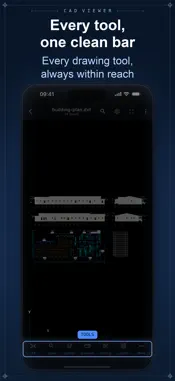
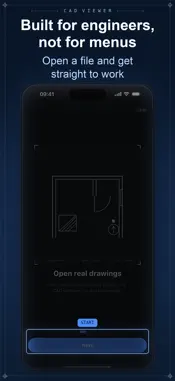
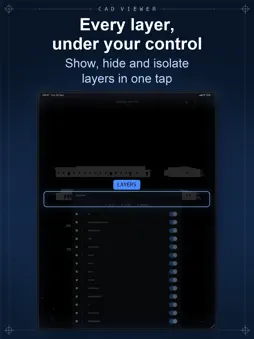
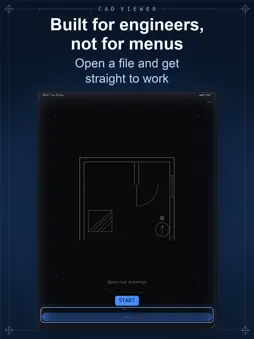
Open your DWG and DXF drawings on iPhone and iPad — clean, fast, and built for people who actually read drawings. Straight to work: pan and zoom smoothly, measure exact distances, red-line the sheet with markup, control layers, search text, and go full-screen on site. VIEW • DWG and DXF drawings in 2D • Smooth pan, zoom and fit • Light and dark workspace • Full-screen mode for on-site work MEASURE • Tap two points for an exact distance • Snapping with a magnifier for precision • mm and inch units, switchable • Clear measurements in one tap MARK UP • Red pen and revision clouds over the sheet • Your drawing file is never modified • Markup reads as an overlay on top LAYERS AND FIND • Show, hide and isolate layers • Search all text on the sheet and jump to each match YOUR OWN DRAWINGS • Import DWG or DXF from Files, Mail and other apps • Opens offline after the first conversion • No account, no ads LANGUAGES • English, 中文 and Tiếng Việt FREE AND PRO • Free — every tool, on the included sample drawings • Pro — open your own drawings, as many as you like Built for engineers, surveyors, architects and site teams — not for menus. SUBSCRIPTION Opening your own drawings requires a subscription. The included sample drawings are free with every tool. • Pro Weekly — full access, billed every week • Pro Monthly — full access, billed every month • Pro Yearly — full access, billed once a year Subscriptions renew automatically. Cancel anytime in your App Store settings. Terms: https://codigitalsolutions.com/terms Privacy: https://codigitalsolutions.com/privacy
Technical Analysis
Package Overview Basic metadata
Bundle ID
com.cadviewerapp.dwgviewer Current Version 1.0
Minimum iOS 13.0
Package Size App Store Size
Package Metadata 0 / 0 version records
Detailed binary, privacy manifest, framework, and Info.plist results have not been indexed for this package yet. The verified App Store and archive metadata above remains available.
Developer Information
Known Version Records
0 version records with stored package metadata
Stored metadata does not guarantee a package is currently available to download.
| Details | Version / IDs | Version date | Action |
|---|