Preview

Description
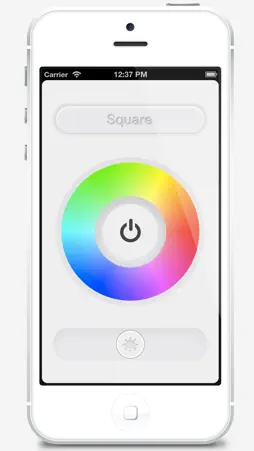
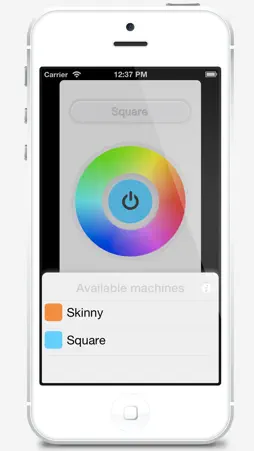
Use your Mac's display as an ambient light source. Simple really. Your iPhone is the remote control. Your Mac's display is the light source. You can project full screen colors on your Mac and control the brightness from your iPhone. Use it as a soft box for photography. Shoot your subject under colored light. With a long exposure, mix colors. Or just use it as a mood light. Light your room in different colors. The iPhone app requires the companion Mac app "RoomColors" which you can download for FREE from the Mac App Store or from http://codexbit.com/roomcolors Just open the app on your Mac. The iPhone will instantly recognize it if they're on the same Wi-Fi network. No need to mess around with IP addresses or port numbers. The iPhone and your Macs will recognize themselves and connect automatically.
What's New
Version 1.5 2016-09-15
This app has been updated by Apple to display the Apple Watch app icon. Bug fixes. Technical Analysis
Package Overview Basic metadata
Bundle ID
com.codexbit.iOSRoomColors Current Version 1.5
Minimum iOS 9.0
Package Size App Store Size
Package Metadata 1 / 1 version records
Detailed binary, privacy-manifest, framework, and Info.plist results have not been indexed for this package yet. The verified App Store and archive metadata above remains available.
Developer Information
Known Version Records
1 version record with stored package metadata
Stored metadata does not guarantee a package is currently available to download.
| Details | Version / IDs | Version date | Action |
|---|---|---|---|
| 1.6 MB | v1.5 App Store ID: 841421787Build: 1.5 | 2016-09-15 02:54:40 | Paid / Arcade |