
Preview
Description
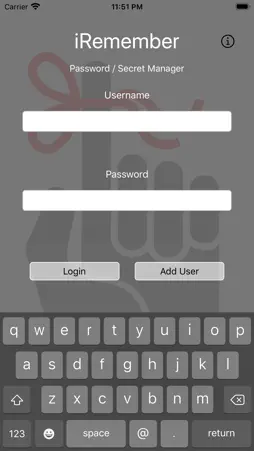
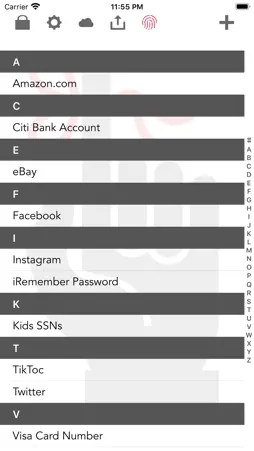
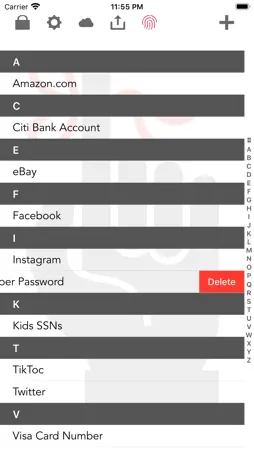
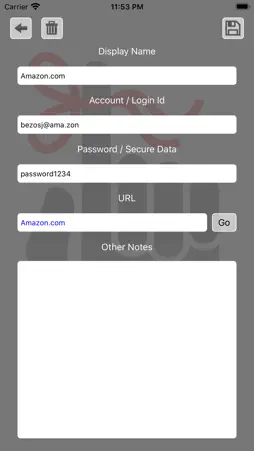
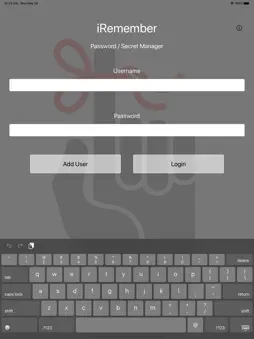
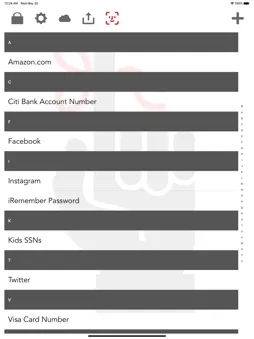
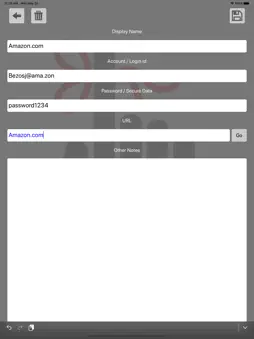
iRemember Password Manager is a safe and secure password manager. We use some of the most secure one-way hashing and AES encryption schemes available to ensure the security of your data. Store all your many passwords, bank accounts, credit card info and personal data in one safe place, locally on your device. The data is save securely on the phones storage drive, so that even if your phone is stolen the thief will not be able to access your data without your password. This app never communicates to the outside, your passwords and personal data will only be available to this app and only on this device. There is no online databases or other shared services with the exception of an encrypted backup in iCloud if you so choose. Version 2.0 adds the ability to send and encrypted backup to your email and import it back just in case you lose everything. This app is very simple to use, create a local user, add your data, review when ever you forget a password or account number that you need. Worried about how safe the encryption method is: Andrey Bogdanov a key crypto researcher from the K.U.Leuven University recently stated: "To put this into perspective: on a trillion machines, that each could test a billion keys per second, it would take more than two billion years to recover an AES-128 key," We are using one-way hashing methods and AES-256 not 128. The only way someone is going to get in is if they guess your password, so be sure to make your password strong, don't use dictionary words and include numbers and special characters.
What's New
Version 2.1.0 2020-05-20
Face ID UI Bug Fixes Export Backup Files Swipe gestures for keyboard Technical Analysis
Package Overview Basic metadata
Bundle ID
CodeSmart.iRemember Current Version 2.1.0
Minimum iOS 10.0
Package Size App Store Size
Package Metadata 1 / 7 version records
4.8 / 5.0 (919 ratings)
Detailed binary, privacy manifest, framework, and Info.plist results have not been indexed for this package yet. The verified App Store and archive metadata above remains available.
Developer Information
Known Version Records
1 version record with stored package metadata • 7 known version records
Stored metadata does not guarantee a package is currently available to download.
| Details | Version / IDs | Version date | Action |
|---|---|---|---|
 5.91 MB | v2.1.0 App Store ID: 835962212Build: 5 | 2020-05-19 23:02:30 | Get Version |
| Not archived | App Store ID: 823776740 | Unknown | Request Version |
| Not archived | App Store ID: 823026293 | Unknown | Request Version |
| Not archived | App Store ID: 822561856 | Unknown | Request Version |
| Not archived | App Store ID: 11759432 | Unknown | Request Version |
| Not archived | App Store ID: 11394038 | Unknown | Request Version |
| Not archived | App Store ID: 10886244 | Unknown | Request Version |