Preview



Description
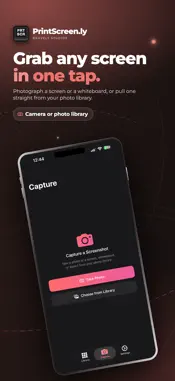
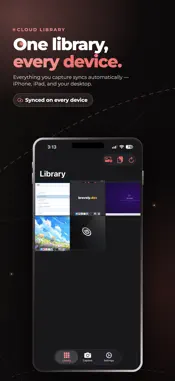
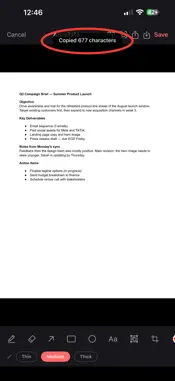
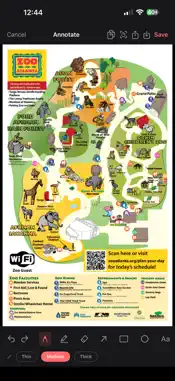
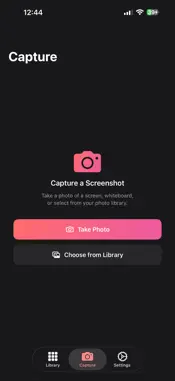
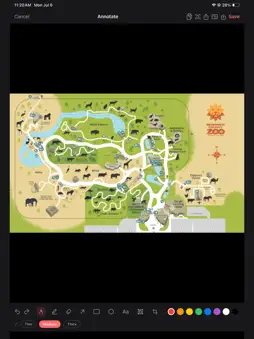
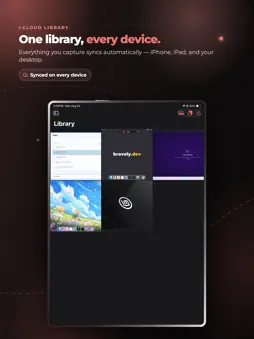
Your captures, on every device you own. PrintScreenly keeps your screenshots and recordings in one place across your Mac, your PC, and your phone. Capture on the desktop, then open this app to browse, organize, mark up, and share everything from your iPhone or iPad — already synced and ready. WHAT YOU CAN DO • Browse your full capture library, synced from your computers • Open any screenshot or recording and view it full-screen • Mark up screenshots with arrows, boxes, highlights, and text • Pull text out of a screenshot and copy it with one tap • Record your iPhone or iPad screen and keep the recording in your library • Create a shareable link and send a capture to anyone • Keep a shared clipboard moving between your phone and desktop • Organize, rename, and clean up captures on the go GOOD MOMENTS • Grab a screenshot off your desk while you're away and send it from your phone • Annotate a bug report on the couch and share the link in a message • Copy a phone number or address straight out of a screenshot • Show a client a recent capture without opening a laptop • Tidy up your library while you wait in line EVERYTHING STAYS IN SYNC Sign in once and your library follows you. A capture taken on your Mac or PC shows up here, and anything you mark up or share stays consistent everywhere. The web dashboard shows the same library in any browser. MARKUP THAT TRAVELS Add arrows, boxes, highlights, and text on top of any screenshot, right on your phone. Your edits save back to the library so the marked-up version is what you share. PRIVATE BY DESIGN Your library is tied to your account and only you can see it. Shareable links are created on purpose, one capture at a time — nothing is public unless you choose to share it. PRINTSCREEN.LY PRO Pro unlocks the full app — your synced library, markup, text capture, sharing, and cross-device clipboard. Signing in is free; using the app requires Pro. Start with a 7-day free trial, then subscribe monthly, go annual to save, or pick up Lifetime as a one-time purchase. One sign-in unlocks PrintScreenly on your Mac, your PC, and your phone, plus the web dashboard. SIGN IN Sign in with Apple, Google, or email. The same sign-in works on the PrintScreenly app you install on your computers. SUPPORT Questions, bug reports, and feature requests: [email protected] Privacy: https://bravely.dev/privacy/printscreenly Terms: https://bravely.dev/terms
What's New
Version 1.16.2 2026-11-14
PrintScreenly now shows its name without the dot, and the button on the plans page is clearer. Small fixes throughout. Technical Analysis
Package Overview Basic metadata
Bundle ID
dev.bravely.printscreenly Current Version 1.16.2
Minimum iOS 17.0
Package Size App Store Size
Package Metadata 0 / 5 version records
Detailed binary, privacy manifest, framework, and Info.plist results have not been indexed for this package yet. The verified App Store and archive metadata above remains available.
Developer Information
Known Version Records
0 version records with stored package metadata • 5 known version records
Stored metadata does not guarantee a package is currently available to download.
| Details | Version / IDs | Version date | Action |
|---|---|---|---|
| Not archived | App Store ID: 891755628 | Unknown | Request Version |
| Not archived | App Store ID: 890986627 | Unknown | Request Version |
| Not archived | App Store ID: 890249992 | Unknown | Request Version |
| Not archived | App Store ID: 889349663 | Unknown | Request Version |
| Not archived | App Store ID: 885497629 | Unknown | Request Version |