Preview




Description
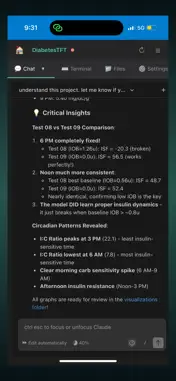
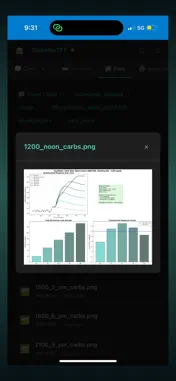
MobileVibe lets you access Cursor, Codex, Windsurf, and Claude Code from your iPhone. Install the MobileVibe Desktop Connector on your Mac or Windows computer, then use the iOS app to: • View your workspaces • Monitor active projects • Follow AI coding agent progress • Interact with agent chats running in VS Code, Cursor, or Windsurf • Receive push notifications when tasks need attention or complete • Open project chats from your phone This is an early preview release. Features and workflows may change as the product evolves. To connect your own workspace, install the MobileVibe Desktop Connector on a Mac or Windows computer running VS Code, Cursor, or Windsurf. No code or development tools run on the iPhone itself. The app connects securely to your existing desktop environment.
What's New
Version 1.0.16 2026-05-21
Added Windsurf and Cursor support. Improved performance and reliability for MobileVibe project chats, including faster Codex project loading and smoother scrol... Technical Analysis
Package Overview Basic metadata
Bundle ID
com.brainpowertools.mobilevibe Current Version 1.0.16
Minimum iOS 15.0
Package Size App Store Size
Package Metadata 1 / 2 version records
Detailed binary, privacy manifest, framework, and Info.plist results have not been indexed for this package yet. The verified App Store and archive metadata above remains available.
Developer Information
Known Version Records
1 version record with stored package metadata • 2 known version records
Stored metadata does not guarantee a package is currently available to download.
| Details | Version / IDs | Version date | Action |
|---|---|---|---|
| 16.38 MB | v1.0.16 App Store ID: 885924425Build: 1.0.16 | 2026-05-21 17:24:18 | Get Version |
| Not archived | App Store ID: 882017211 | Unknown | Request Version |