
Preview



Description
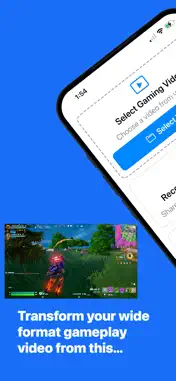
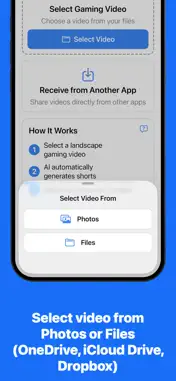
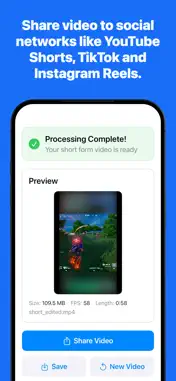
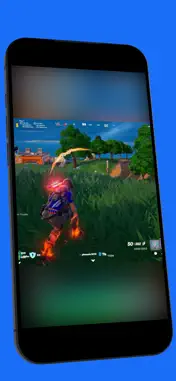
Gameplay Clips automatically transforms your gameplay recordings into short-form, portrait videos ready for TikTok, YouTube Shorts, Instagram Reels, and more — all with a single tap. Import your gameplay clip from the Files or Photos app, or share it directly from another app — Gameplay Clips does the rest. No editing timelines, no filters, no subscriptions. Gameplay Clips automatically: 1. Crops your gameplay to a 1:1 square centred on the action. 2. Uses your original clip to fill the rest of the screen with a blurred portrait background. 3. Produces a vertical video that looks clean and professional on any short-form platform. Once processed, you can preview, share, or start another clip right away. Built for gamers who want to share their highlights fast — without the complexity of video editing tools — Gameplay Clips focuses on what matters: clean, centred, cinematic gameplay that’s instantly shareable anywhere.
Technical Analysis
Package Overview Basic metadata
Bundle ID
com.bitblix.Gameplay Current Version 1.0
Minimum iOS 18.5
Package Size App Store Size
Package Metadata 0 / 1 version records
Detailed binary, privacy manifest, framework, and Info.plist results have not been indexed for this package yet. The verified App Store and archive metadata above remains available.
Known Version Records
0 version records with stored package metadata • 1 known version records
Stored metadata does not guarantee a package is currently available to download.
| Details | Version / IDs | Version date | Action |
|---|---|---|---|
| Not archived | App Store ID: 878844353 | Unknown | Paid / Arcade |