
Preview

Description
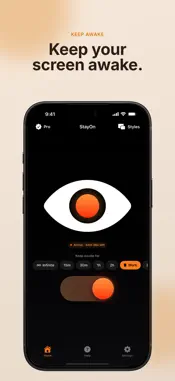
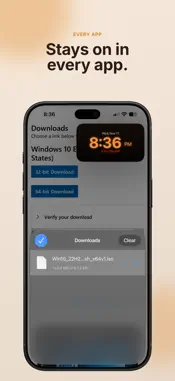
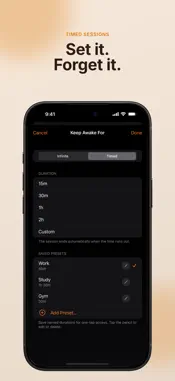
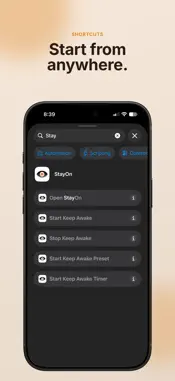
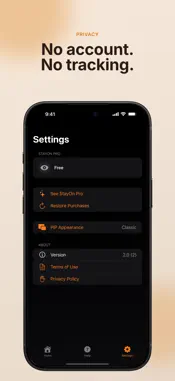
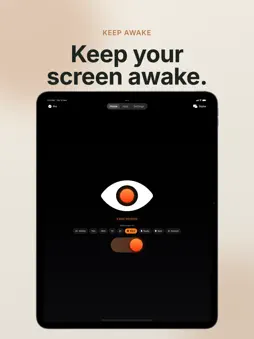
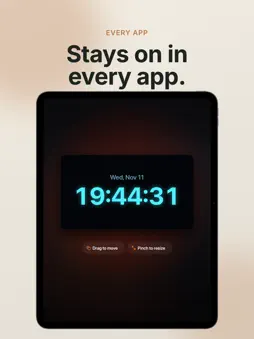
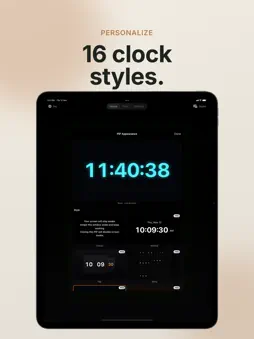
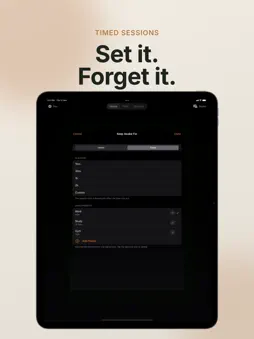
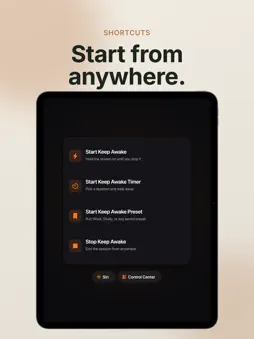
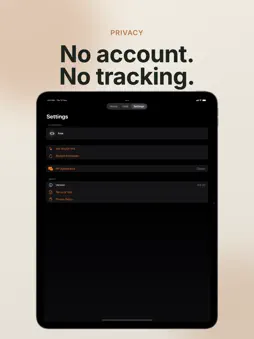
StayOn keeps your iPhone or iPad screen from sleeping — for as long as you need it. Open StayOn, tap the toggle, and a small Picture-in-Picture window appears on top of whatever you're using. While that window is on screen, iOS keeps the display on and Auto-Lock never fires. StayOn doesn't change your Auto-Lock timer or any other system setting. End the session and your device locks normally again. Handy for recipes, sheet music, workout timers, dashboards, video calls, e-books, navigation — anything you'd rather not have to keep tapping to stay lit. HOW IT WORKS • Tap to start: a floating window appears. Drag it anywhere. • Keep it visible while you use other apps. • Tap to stop, or let a timer end the session for you. • The window plays a lightweight, silent video. That's the iOS mechanism that keeps the app active in the background. FREE • Unlimited keep-awake sessions • Classic window style • Control Center toggle (iOS 18+) • Start and stop with Shortcuts or Siri STAYON PRO — ONE-TIME PURCHASE No subscription. Pay once, keep Pro. • All 16 Picture-in-Picture clock styles: Classic, Minimal, Warm Glow, Outline, Retro, Analog, Flip, Word, Neon, Photo, Countdown, Dashboard, Session, Day Progress, Binary, and Terminal • Style options: 24-hour time, seconds, date, and remaining time • Timed sessions from 1 minute to 23 h 59 m that end on their own • Up to 6 named presets for one-tap starts GOOD TO KNOW • Don't collapse the window to the screen edge, and don't close it. Either one ends the keep-awake effect immediately (an iOS limitation for Picture in Picture). • Keeping the screen awake uses more battery than letting it sleep. A timed session is the easy fix. • The first window after installing can take a second or two to appear. PRIVATE BY DESIGN No account. No tracking. No analytics. Everything stays on your device. Works natively on iPhone and iPad. Terms of Use (EULA): https://www.apple.com/legal/internet-services/itunes/dev/stdeula/
What's New
Version 2.0 2026-11-25
StayOn 2.0 is a big update. • First release of StayOn Pro, a single lifetime purchase that unlocks 16 Picture-in-Picture clock styles, timed sessions, and name...StayOn 2.0 is a big update. • First release of StayOn Pro, a single lifetime purchase that unlocks 16 Picture-in-Picture clock styles, timed sessions, and named presets. No subscription. • Timed sessions run from 1 minute to 23 h 59 m and end on their own. • Save up to 6 named presets for one-tap starts. • New clock styles with options: 24-hour time, seconds, date, and remaining time. • Redesigned Help tab: how it works, Quick Start, Free vs Pro, do's and don'ts, and FAQ. • Now works natively on iPad. Free users keep unlimited keep-awake sessions, the Classic style, the Control Center toggle, and Shortcuts/Siri control. Technical Analysis
Package Overview Basic metadata
Bundle ID
com.buildmelon.StayOn Current Version 2.0
Minimum iOS 18.6
Package Size App Store Size
Package Metadata 0 / 1 version records
Detailed binary, privacy manifest, framework, and Info.plist results have not been indexed for this package yet. The verified App Store and archive metadata above remains available.
Developer Information
Known Version Records
0 version records with stored package metadata • 1 known version records
Stored metadata does not guarantee a package is currently available to download.
| Details | Version / IDs | Version date | Action |
|---|---|---|---|
| Not archived | App Store ID: 883454907 | Unknown | Request Version |