
Preview




Description
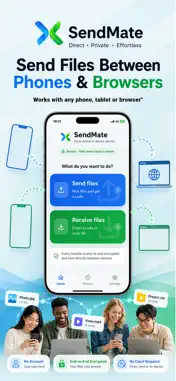
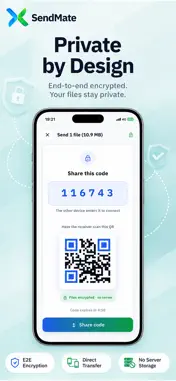
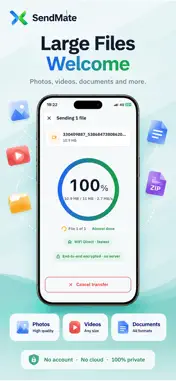
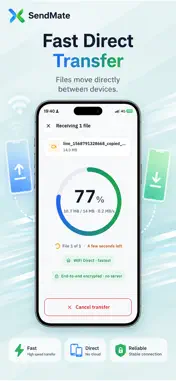
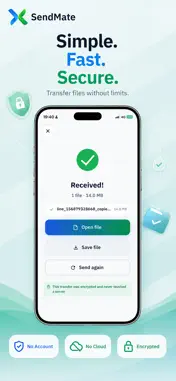
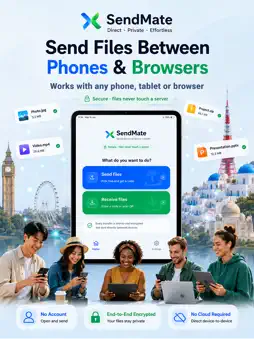
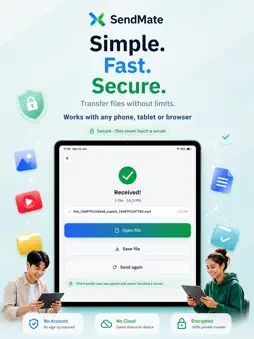
SendMate lets you transfer files between Android, iPhone and any modern web browser. Send photos, videos, documents and large files directly between devices with end-to-end encryption. No account. No sign up. No file size limits. No desktop software required. WHY SENDMATE Send Files Between Phones and Browsers Works across: - Android - iPhone - Chrome - Edge - Safari - Firefox Send files from your phone directly to any browser. Private by Design Your files are protected with end-to-end encryption. Files travel directly between devices and are never stored on our servers. Not even SendMate can access your files. No Account Required No registration. No login. No email address. Open the app and start transferring files instantly. No Desktop Installation Required Receive files directly in your browser. No desktop client. No software installation. Just open a browser and connect. No File Size Limits Send: - Photos - Videos - Documents - ZIP files - Large project files Without uploading them to cloud storage first. Fast Direct Transfers Files move directly between participating devices whenever possible. Avoid unnecessary cloud uploads and downloads. Your History Stays on Your Device Transfer history stays on your device. Clear it anytime. HOW IT WORKS 1. Choose files on the sending device 2. Share a 6-digit code or QR code 3. Open SendMate on the receiving device 4. Enter the code or scan the QR 5. Transfer begins instantly SECURITY SendMate protects every transfer using modern end-to-end encryption. Encryption keys remain on participating devices. PERFECT FOR - Phone to phone transfer - Phone to browser transfer - Moving files to a computer - Sending large videos - Sharing documents securely - Cross-device file sharing - Quick transfers without cloud storage
What's New
Version 1.0.6 2026-10-07
- Add Share Feature Technical Analysis
Package Overview Basic metadata
Bundle ID
app.sendm8.share Current Version 1.0.6
Minimum iOS 15.0
Package Size App Store Size
Package Metadata 0 / 2 version records
Detailed binary, privacy manifest, framework, and Info.plist results have not been indexed for this package yet. The verified App Store and archive metadata above remains available.
Developer Information
Known Version Records
0 version records with stored package metadata • 2 known version records
Stored metadata does not guarantee a package is currently available to download.
| Details | Version / IDs | Version date | Action |
|---|---|---|---|
| Not archived | App Store ID: 887212179 | Unknown | Request Version |
| Not archived | App Store ID: 886953955 | Unknown | Request Version |