Preview




Description
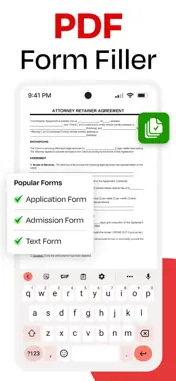
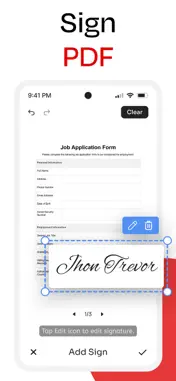
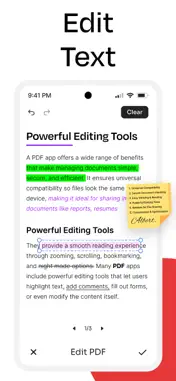
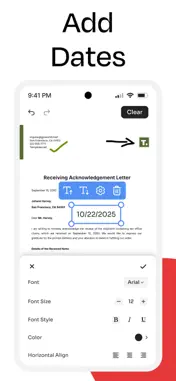
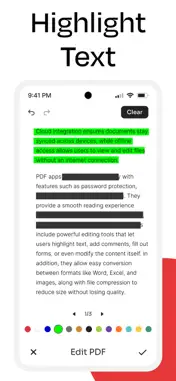
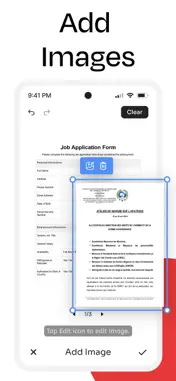
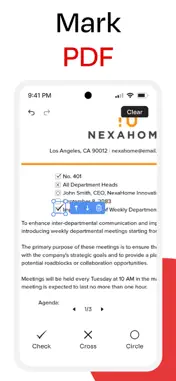
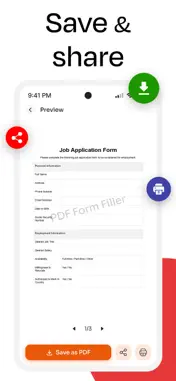
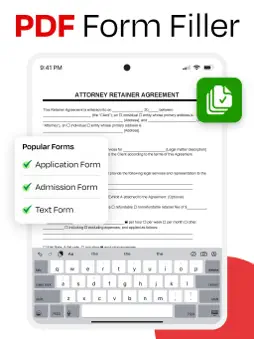
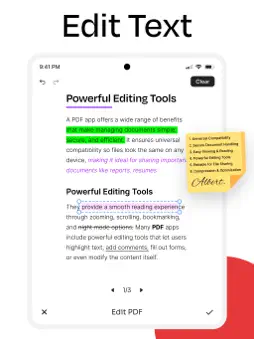
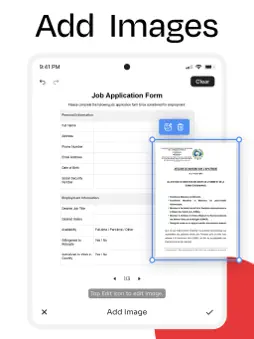
PDF Filler: Edit, Fill & Sign PDF - Your All in One PDF Solution Effortlessly manage your documents with PDF Form Filler.This all-in-one solution is perfect for anyone needing to edit, complete, and sign PDF files. Directly write on, edit text, and complete documents without printing. As a powerful PDF form filler, the app makes paperwork simple. Use the intuitive PDF writer to add notes and annotations with precision. Securely sign documents in seconds. With our trusted PDF signer, your electronic signatures are always protected. Streamline your workflow and handle your documents with ease. Key Features: 1 - Fill Any PDF Form Quickly Use PDF fill and sign tools to complete forms in minutes, checkmarks, or text with ease. With PDF filler, you can ensure every document is filled accurately and professionally. 2 - Write on PDF Instantly Annotate, highlight, or insert text using the PDF writer. Update layouts, insert images, and edit PDF text with full control. The write on PDF feature lets you create polished, professional documents for school, work, or personal projects. 3 - Sign PDF Documents Securely Use the PDF sign tool to create and apply secure digital signatures. The PDF signer feature ensures each PDF signature is encrypted, valid, and ready for contracts, agreements, or official forms. Quickly sign PDF documents and share instantly. 4 - Professional PDF Signer & PDF Fill Sign Tools Add initials, stamps, dates, and approvals with PDF sign and fill. Handle multiple forms, complete approvals, and finalize documents efficiently with PDF fill sign capabilities. The PDF form filler fill and sign option streamlines repetitive tasks for professionals. 5 - Editing with PDF Writer Insert images, resize text, or edit PDF text effortlessly. The PDF writer lets you correct errors, update pages, and customize any file. Combined with PDF filler and write on PDF tools, it replaces traditional desktop PDF editors on your mobile device. 6 - Save, Export & Share Easily Download, email, or store your filled and signed PDFs. All PDF sign and form entries remain secure. Export with confidence using cloud storage integration or offline editing. Ideal for Every Use Case: • Business contracts & agreements • School assignments & worksheets • Forms & applications • Medical forms & patient records • Event registrations & applications • Job applications & resumes • Reports, presentations, and professional documentation Secure & Reliable All your files remain private and encrypted. Every PDF signature and PDF fill and sign action is fully protected, making this app safe for even the most sensitive documents. Why to choose this PDF Filler: • Clean, intuitive, and easy-to-use interface • Accurate PDF fill sign tools • Replace printers & scanners • All-in-one solution: write on PDF, fill PDF, edit PDF text, sign PDF documents, and create professional files Simplify your PDF management with the ultimate PDF form filler, PDF writer, PDF signer to help you complete every task efficiently, securely, and professionally. Disclaimer: Your privacy and security are our top priorities. This app does not share, sell, or leak your data to any third party. All files, PDFs, and signatures remain fully authorized, private, and securely stored on your device or your chosen storage. You can use PDF fill, sign, and edit features with confidence knowing your information is protected at all times. Privacy Policy https://www.itspdf.com/policy Terms of Service https://www.itspdf.com/termsandconditions Support Email: [email protected]
What's New
Version 1.0.2 2026-09-08
- Support for new devices - User friendly Interface - Performance Enhancement - Bug Fixed Technical Analysis
Package Overview Basic metadata
Bundle ID
com.pdf.form.filler.writer.edit.sign.documents Current Version 1.0.2
Minimum iOS 15.0
Package Size App Store Size
Package Metadata 0 / 3 version records
Detailed binary, privacy manifest, framework, and Info.plist results have not been indexed for this package yet. The verified App Store and archive metadata above remains available.
Developer Information
Known Version Records
0 version records with stored package metadata • 3 known version records
Stored metadata does not guarantee a package is currently available to download.
| Details | Version / IDs | Version date | Action |
|---|---|---|---|
| Not archived | App Store ID: 888227428 | Unknown | Request Version |
| Not archived | App Store ID: 886516243 | Unknown | Request Version |
| Not archived | App Store ID: 880796118 | Unknown | Request Version |