Preview




Description
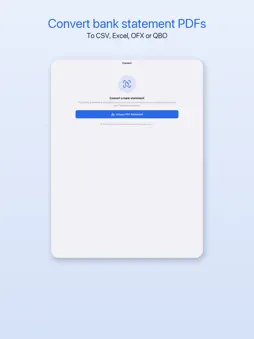
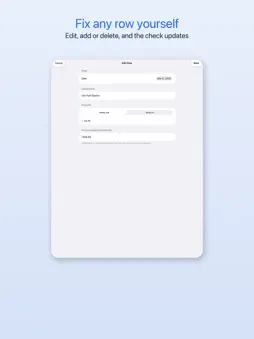
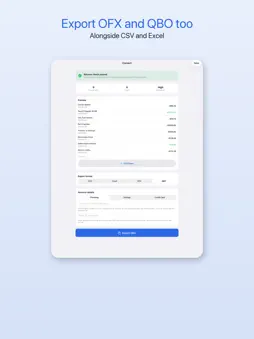
Turn a bank statement PDF into a file your spreadsheet or accounting software can use, without sending the statement anywhere. Pick a PDF and the app reads it on your iPhone or iPad, including scanned pages through on-device text recognition. Every transaction lands in a list you can check before anything is exported. A balance check compares your rows with the statement's opening and closing balance and flags any gap. Rows that disagree with the printed running balance are marked, so you know where to look. Found a misread line? Open it and fix the date, description, amount or direction. Delete a row that should not be there, or add one that was missed. The balance check runs again with every change, and the export uses your corrected rows. When the numbers look right, export as: - CSV, with the columns you choose - Excel (.xlsx), with the columns you choose - OFX, the common bank data format - QBO, for accounting software that imports it For OFX and QBO you set the account type (checking, savings or credit card) and can add an account number, so statements of one account stay together. Statements come in many layouts and automated reading can get a line wrong, so review your rows before relying on them. It works offline, with no account and no sign-up. Converting, reviewing, editing and the balance check are free, and the free tier exports a 10-row preview in any format. Premium exports every row of every statement, as a weekly plan with a 3-day free trial, an annual plan or a one-time lifetime purchase. This app offers a weekly subscription with a 3-day free trial, and an annual subscription. Payment is charged to your Apple ID at confirmation of purchase. Subscriptions automatically renew unless cancelled at least 24 hours before the end of the current period. Manage or cancel subscriptions in your Apple ID Account Settings. Restore purchases from the app settings. Terms of Use (EULA): https://www.apple.com/legal/internet-services/itunes/dev/stdeula/ Privacy Policy: https://www.appharbour.com/bank2csv/privacy.html
What's New
Version 1.1.0 2026-11-12
Edit rows before you export: fix a date, description or amount, delete a row or add one, and the balance check updates as you go. Export OFX and QBO files along...Edit rows before you export: fix a date, description or amount, delete a row or add one, and the balance check updates as you go. Export OFX and QBO files alongside CSV and Excel. Day and month are now read consistently across a whole statement. The upgrade screen is fully translated and its close button is easier to tap. Technical Analysis
Package Overview Basic metadata
Bundle ID
com.appharbour.bank2csv Current Version 1.1.0
Minimum iOS 17.0
Package Size App Store Size
Package Metadata 0 / 0 version records
Detailed binary, privacy manifest, framework, and Info.plist results have not been indexed for this package yet. The verified App Store and archive metadata above remains available.
Developer Information
Known Version Records
0 version records with stored package metadata
Stored metadata does not guarantee a package is currently available to download.
| Details | Version / IDs | Version date | Action |
|---|