
Preview





Description
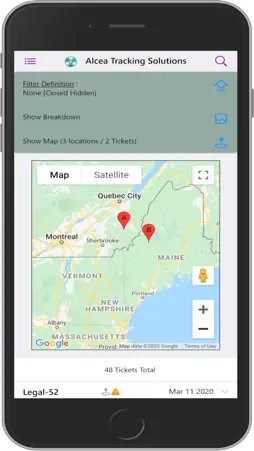
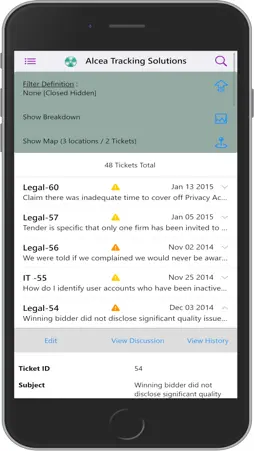
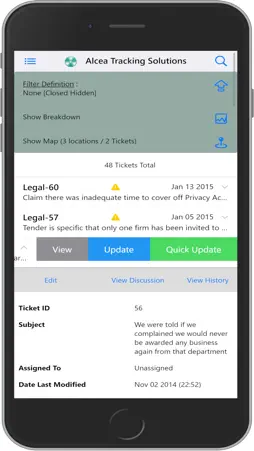
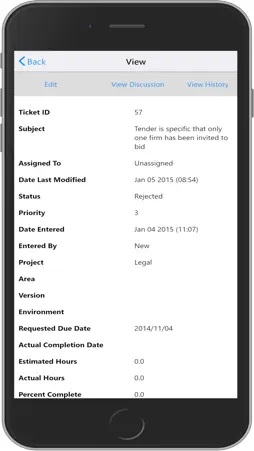
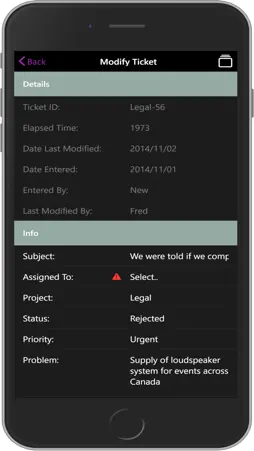
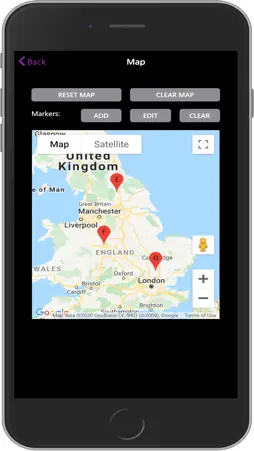
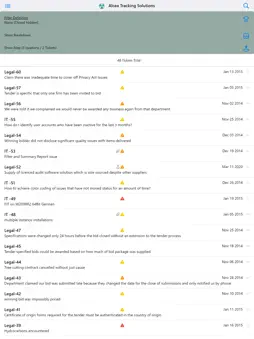
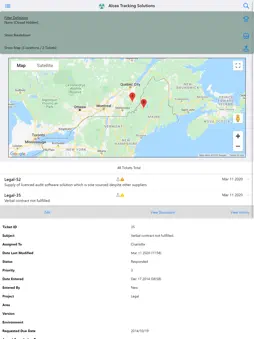
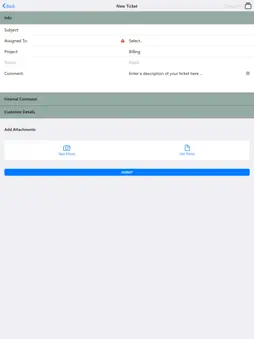
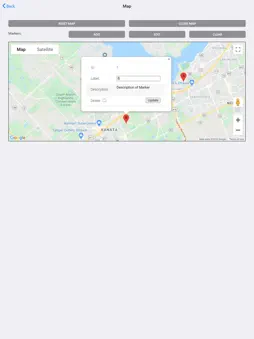
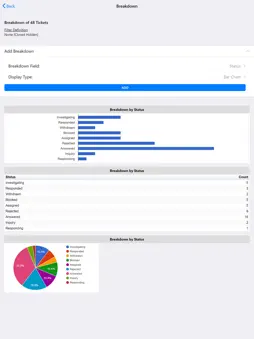
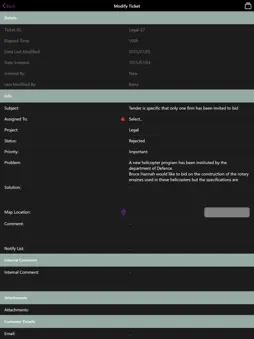
Alcea Tracking Solutions provides a Process Management Solution with real time online access of where your issues stand, who is accountable and an ongoing history of how things have been handled. The Alcea Mobile App extends access to any Alcea Tracking Solution with a mobile interface to match your system. The interface allows you to search or edit issues from a filtered list. You can view, modify or create issues as needed and access to information is dynamically defined by the server. Connections to a system consist of a URL / Track location and a Login / Password pair. A track is used to segregate data for different items being tracked in the same system. Each track has its own fields and custom configuration. If the test connection icon is used ahead of the CONNECT button, a system will show any possible tracks which are accessible. Otherwise, tracks are hidden until a connection is established, at which time you must return to the login prompt if you want to switch tracks. The connect button will also show you the number of available tracks in an info box at the bottom of the screen. Failed login messages will show as an error box. Connection When a connection is made, the user is shown the main dashboard,which consists of a header section controlling filters, report breakdowns and a map summary if a map field has been configured. An issue list is shown under the header, listing all issues which match the current filter. Any issues in this list are also shown in the map summary if they contain associated markers for the main map field. Searching or changing the filter definition will fetch a new issue list and update the information on the main menu. The issue list is segmented in groups of 50 tickets, showing prev/next controls to move to/from the next sequential group, if more groups exist. (ie: 48 tickets Total) The default details which are shown include: Id: may contain the project prefix/suffix (ie: Legal-52) Information Icons: Priority Attachments Map Info Modified today Last Modification: date or time (if today) Subject: additional text under Id (ie: Supply of licensed ..) Each individual issue can be clicked or swiped to get additional information and options. Issue Details Clicking on an issue will open up an accordion content which lists all data about an issue. This includes a control header and a list of all fields visible to the user, with field values.
What's New
Version 3.0.0 2024-12-03
- Added support for lists with multiple values - Fixed problems with updates to list modifications and checkboxes - Fixed date formatting problems and customiza... Technical Analysis
Package Overview Basic metadata
Bundle ID
com.alceatech.mobile.fit Current Version 3.0.0
Minimum iOS 11.0
Package Size App Store Size
Package Metadata 0 / 9 version records
Detailed binary, privacy manifest, framework, and Info.plist results have not been indexed for this package yet. The verified App Store and archive metadata above remains available.
Developer Information
Known Version Records
0 version records with stored package metadata • 9 known version records
Stored metadata does not guarantee a package is currently available to download.
| Details | Version / IDs | Version date | Action |
|---|---|---|---|
| Not archived | App Store ID: 870845532 | Unknown | Request Version |
| Not archived | App Store ID: 869046976 | Unknown | Request Version |
| Not archived | App Store ID: 863123424 | Unknown | Request Version |
| Not archived | App Store ID: 855969088 | Unknown | Request Version |
| Not archived | App Store ID: 855868100 | Unknown | Request Version |
| Not archived | App Store ID: 852650391 | Unknown | Request Version |
| Not archived | App Store ID: 837908015 | Unknown | Request Version |
| Not archived | App Store ID: 837721593 | Unknown | Request Version |
| Not archived | App Store ID: 835289975 | Unknown | Request Version |