
Preview
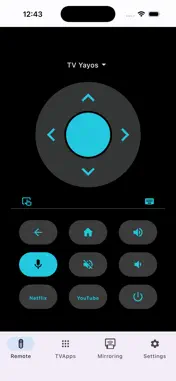
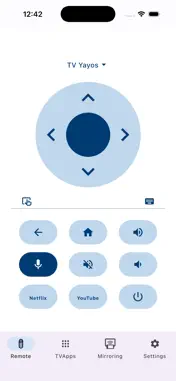
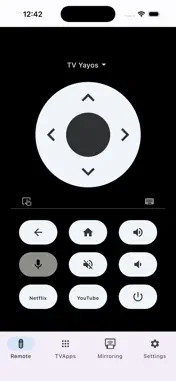


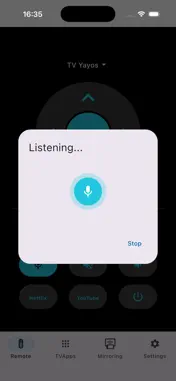



Description
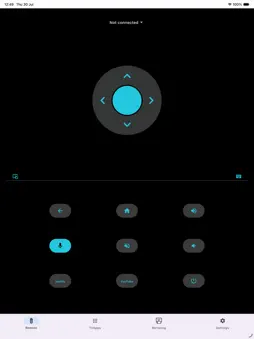
Turn your iPhone or iPad into a powerful remote control for your Android TV, Google TV and Chromecast devices. Zapp connects over Wi-Fi in seconds — no registration and no physical remote needed. WHY Zapp? ◆ Voice search: find movies and shows or control your TV hands-free. ◆ Screen mirroring: share your phone or tablet screen on the big screen with one tap. ◆ Instant typing: use your iPhone keyboard instead of the on-screen TV keyboard. ◆ Quick app launch: open Netflix, YouTube, Prime Video and more with a single touch. ◆ D-pad and touchpad modes: navigate exactly the way you prefer. ◆ Volume and power: full control, including your device's physical volume buttons. ◆ Multiple TVs: pair once and switch between all the TVs in your home. WORKS WITH YOUR DEVICES Zapp is compatible with Google TV Streamer, Chromecast with Google TV, Nvidia Shield and smart TVs from Sony, Philips, TCL, Hisense and hundreds of other Android TV models. EASY SETUP 1. Connect your iPhone and TV to the same Wi-Fi network. 2. Open Zapp and select your TV. 3. Enter the pairing code shown on the screen. Done! Free, fast and designed for iOS with a clean, modern interface. Note: your phone and TV must be on the same Wi-Fi network. This app is not affiliated with Google LLC or any TV manufacturer mentioned.
What's New
Version 1.1 2026-08-16
New name: aTV+ is now Zapp. It's the same app, with the same features — just a clearer name. Also in this update: minor fixes and stability improvements. Technical Analysis
Package Overview Basic metadata
Bundle ID
com.remote.androidtvremote.ios Current Version 1.1
Minimum iOS 16.0
Package Size App Store Size
Package Metadata 0 / 0 version records
Detailed binary, privacy manifest, framework, and Info.plist results have not been indexed for this package yet. The verified App Store and archive metadata above remains available.
Known Version Records
0 version records with stored package metadata
Stored metadata does not guarantee a package is currently available to download.
| Details | Version / IDs | Version date | Action |
|---|