Preview



Description
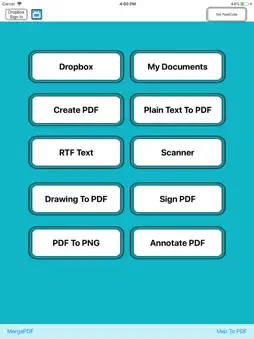
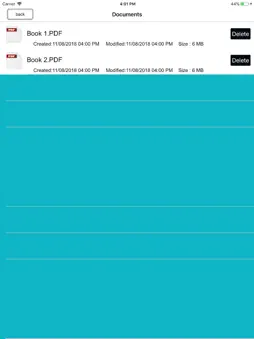
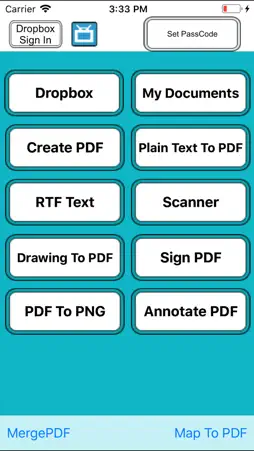
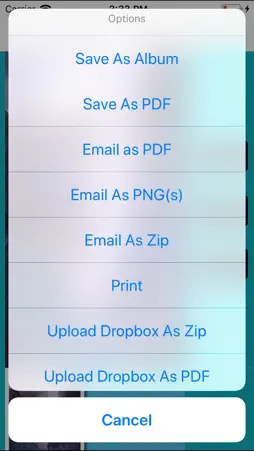
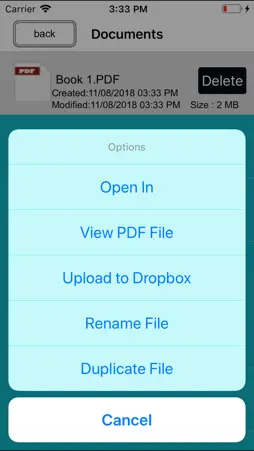
Must Have App + PDF writer : - Create and Edit Rich Text Documents on your iPhone or iPad. Work on your Documents even when not connected to the internet. Open , Edit files created through this app from any other app that supports the “Open In” feature . - View/Edit/Create Rich Text Documents and PDF - Fonts, Styles,Font Sizes, Bold, italic, Underline, Strike out , Text Color, Background Color selection, Text Alignment, Undo Changes, Easy Copy and Paste etc + Smart Management: • Keep track your document by the time it scanned or last edit. • Keep track the size of document and files. • Multipage editing: view, delete pages • Document naming ,Merge, Export , Rename your documents or even Create a Copy of file and storage inside the app . + Build-in PDF Merger • easy PDF file Combiner & Joiner designed to merge multiple PDF files . (No Limit Of PDF Files to Combine ) + Built-in viewer for PDF : • Thumbnail, Fit to Screen, Fit to Width, Actual Size & full screen views • Go to/rotate page • Multiple Bookmarks • Printing PDF Files to AirPrint Printers in your wifi network • Email Attachments + Draw with your finger- Use it to make handwritten notes or highlight text in scanned books. + Sign Contracts - Sign PDF Document On the Go any time any where. + Annotate PDF - Annotate PDF Document On the Go any time any where. + Read PDFs on the go One of the best PDF viewers for iPad and iPhone. It opens large files. + Copy Files From Mac or PC via Wi-Fi and USB Use iTunes file sharing to transfer files directly to your iPad or iPhone via USB cable. No additional software is required. + Save Email Attachments Open attachments directly from the Mail app. Also, you can open PDF files from any other application on the iPad or iPhone via "Open In..." dialogue. + Sync your files with cloud services This App allows you to download and upload files from Dropbox, and other services. + Password Options Restrict access with a password to protect your files from unauthorized reading. More Feature Coming Soon
What's New
Version 2.0 2018-08-27
This update from Apple will improve the functionality of this app. No new features are included. - bug fixed Version 1.0 2014-06-03
App Store User Reviews
Office_Gingerbeer 2015-02-15
Half way there
When annotating you can only enter about 8 characters. You can't scale the document, if you are annotating near the lower part of a document you cannot see wher...When annotating you can only enter about 8 characters. You can't scale the document, if you are annotating near the lower part of a document you cannot see where or what you type. If you apply a highlight and need to apply some more, the 'overspray' starts to hide underlying text.
Technical Analysis
Package Overview Basic metadata
Bundle ID
ToolsProfessional Current Version 2.0
Minimum iOS 8.0
Package Size Latest Recorded Package Size
Package Metadata 1 / 1 version records
Detailed binary, privacy manifest, framework, and Info.plist results have not been indexed for this package yet. The verified App Store and archive metadata above remains available.
Related Apps


More by Abdul Rahim Khurram


Developer Information
Known Version Records
1 version record with stored package metadata
Stored metadata does not guarantee a package is currently available to download.
| Details | Version / IDs | Version date | Action |
|---|---|---|---|
 6.91 MB | v2.0 App Store ID: 841462443Build: 2.1 | 2021-04-16 01:50:40 | Get Version |